"We suggest a CMS, or SaaS works too, and if budget allows, Headless is more flexible." Many owners hear a sentence cramming all three acronyms together in a vendor meeting, then feel too awkward to ask: what's the actual difference, and what happens if I pick wrong? These words get used interchangeably, but they answer different questions. We group them because your single decision — "pick a website platform" — is precisely a choice among these three.
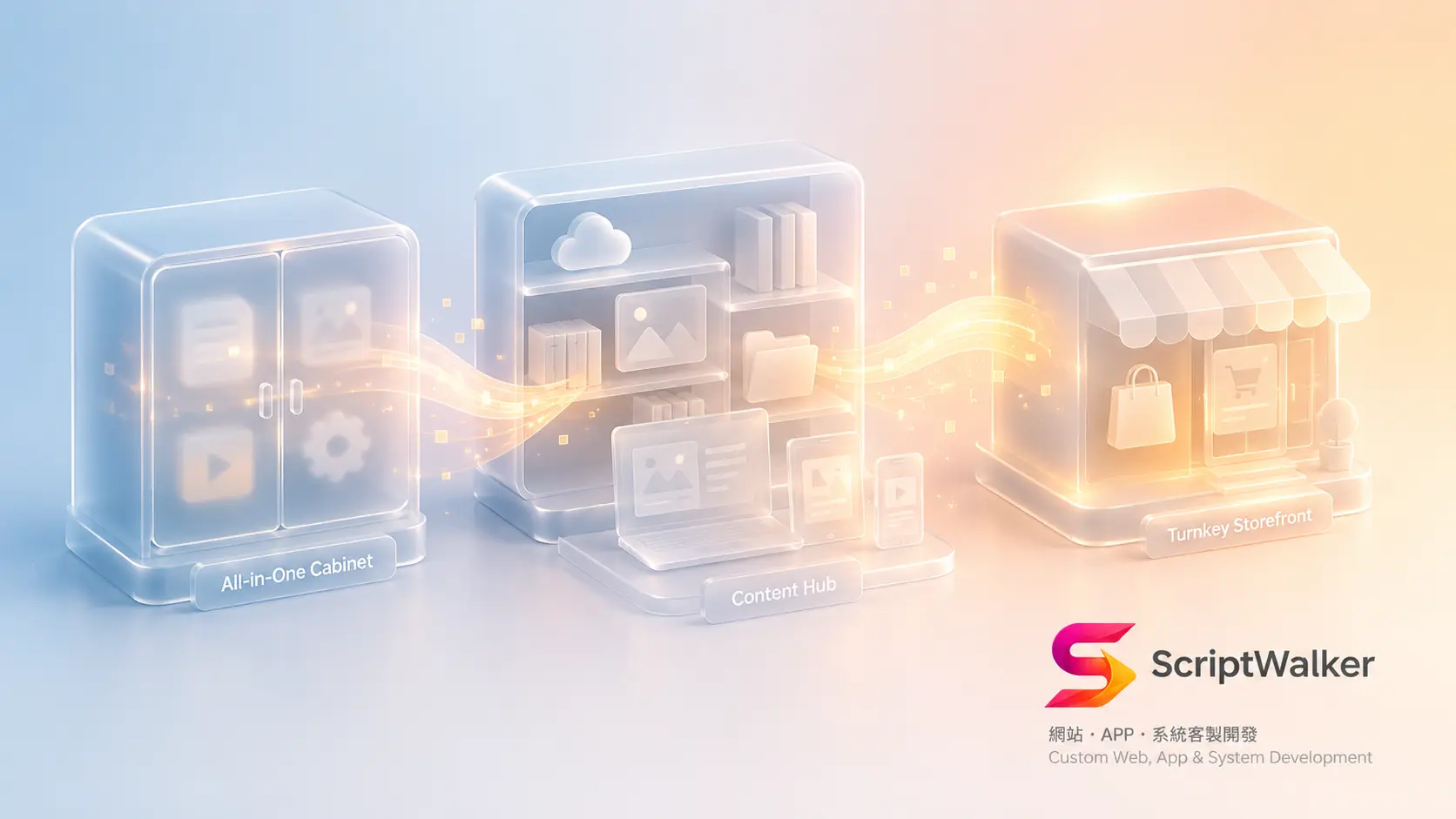
An analogy first: think of "building a website" as "opening a restaurant." A CMS is buying a storefront with a kitchen and running it yourself; a Headless CMS is running one central kitchen that ships dishes to delivery apps, storefronts, and kiosks; SaaS is franchising a ready-made brand, paying monthly to use its storefront and systems.
CMS: Storefront with a Kitchen, All in One
One-line definition: a system that lets you manage site content without coding, with content management and front-end display bundled together.
Analogy: a shop where front-of-house and kitchen are connected — change the menu in back, the front updates instantly. The famous example is WordPress, used by a huge share of the web.
Client scenario: a tutoring center wants to update courses, teachers, and news itself without paying for vendor hours each time — with a CMS, staff type in the back office, hit publish, and the site updates. Cost meaning: fast to launch, low learning curve, but as plugins pile up, performance and security maintenance become hidden costs.
Headless CMS: Central Kitchen, One Cook, Many Channels
One-line definition: a content system that only manages content (not how the front end looks), delivering the same content via API to web, App, kiosks — anywhere.
Analogy: a central kitchen that just cooks (content) and ships via standard boxes (API) to delivery platforms, physical shops, airport counters — one dish, many channels. "Headless" means removing the fixed front-end "head."
Client scenario: a chain wants its website, mobile App, and in-store kiosks to show the same product copy — edit once, update everywhere. That's when Headless pays off. Cost meaning: strongest flexibility and multi-channel power, but the front end must be built separately, so upfront cost and technical bar are higher.
SaaS: Franchise a Ready Brand, Pay Monthly for Peace of Mind
One-line definition: Software as a Service — you don't buy or install; you rent a ready cloud system, paying monthly or yearly.
Analogy: franchising a chain — storefront, register, HQ systems all ready; pay monthly and open for business, but decor and rules mostly follow HQ. Shopify is a classic e-commerce SaaS.
Client scenario: a small brand wanting to sell fast with no time or budget to build — SaaS opens a store in days. Cost meaning: cheap upfront and fast, but the monthly fee never stops, and limits and migration costs surface when you need deep customization or want to move.
How They Relate (Concept Diagram)
Picture a left-to-right spectrum: far left is SaaS (most hands-off, least freedom), middle is CMS (a balance), far right is Headless CMS (most freedom, most technical). The vertical axis is "technical investment required," rising left to right; the horizontal axis is "control and customization," also rising rightward. Most SMBs land at SaaS or CMS; only when you need "one content source, synced across channels" is moving toward Headless worth it. They aren't mutually exclusive — in practice you can mix (Headless CMS feeding content, SaaS handling payments).
Impact on Your Decision
- Budget: SaaS lowest upfront (monthly); CMS medium (one-off build + maintenance); Headless highest upfront (separate front end).
- Timeline: SaaS fastest (days), CMS medium (weeks), Headless longest (weeks to months).
- Risk: SaaS — migration difficulty and long-run monthly totals; CMS — plugin security/performance; Headless — whether anyone can maintain front and back. Site speed directly affects conversion and SEO, so include performance (LCP / Core Web Vitals) in your evaluation.
5 Questions to Ask the Vendor
- What is the 3-year total cost (including monthly fees, maintenance, payment fees)?
- If I move or switch platforms later, can I take all my content and data with me?
- Under this choice, what can my staff update themselves, and what must go through you?
- If I add an App or channels later, does this choice block me?
- How do you guarantee and monitor performance (load speed, Core Web Vitals)?
Common Misconception
Most assume "Headless is newer so it's better, CMS is outdated." It's not old vs new — it's fit: a single site on WordPress (CMS) is fast and cheap, while forcing Headless just burns money on a front-end team. Others assume "SaaS is always cheaper" — short-term yes, but three years of fees often exceed a one-off CMS build, and migration is costly. Picking a platform is choosing "fit," not "trendy."
FAQ
I just want a company website — which one?
Usually a CMS (like WordPress) is best value: you can update it, it's fast to build, long-run cost is controllable. Consider Headless only if you're sure you need multi-channel sync.
SaaS looks cheapest — why not just use it for everything?
The monthly fee never stops; three years often exceeds a one-off build, and limits appear with deep customization or migration. It suits "standard needs, launch fast."
Is Headless CMS right for SMBs?
Usually not, unless your website, App, and physical channels share one content source. Its multi-channel strength is a cost you won't use on a single site.
Can I change my choice later?
Yes, but with migration cost. So ask "can I take all my data" before deciding — treat moving difficulty as part of selection, not a post-launch surprise.
Call to Action
Still unsure whether to pick CMS, Headless, or SaaS? ScriptWalker offers a free 30-minute tech consult — using your real needs and budget, we compute the 3-year total cost and migration risk and give platform-neutral advice.
- Email: [email protected]
- Phone: 0916-224-047
- LINE: @ufv9089p