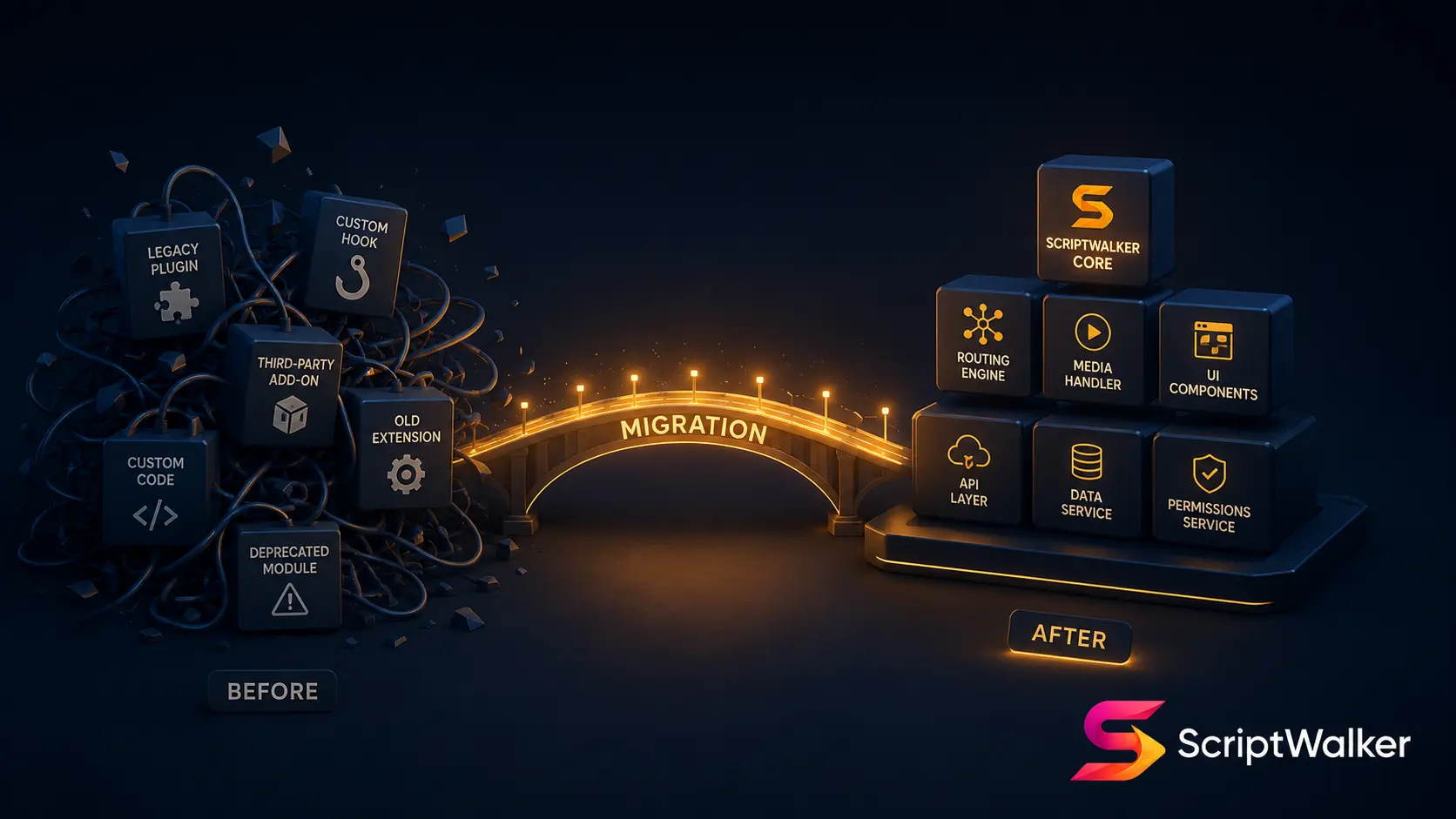
A B2B electronic-components client came to us: six years on WordPress, 38 plugins, an admin so slow that sales stopped updating the catalog, and a breach last year. The owner's real problem wasn't "WordPress is bad"—it was "I pay maintenance every month and I'm increasingly afraid to touch it." Whether to migrate, when, and how without losing traffic—here is a framework you can apply directly.
Industry Myths, Broken
- Myth "WordPress is always cheaper" → Truth: plugin licenses + security upkeep + performance fixes push 3-year TCO close to a one-time custom build.
- Myth "migrating always tanks rankings" → Truth: rankings drop from missing 301 maps and broken structure, not migration itself.
- Myth "a clean big-bang swap is simplest" → Truth: the strangler pattern (block-by-block) is far lower risk.
Core Decision Framework
Use "pain × asset": Y-axis = monthly maintenance pain + security risk + can sales self-serve updates; X-axis = how critical the site is to revenue. Top-right (painful + critical) is where a custom rebuild pays off; bottom-left (low pain + low value) keeps WordPress. The middle starts with headless/partial customization. In practice we ask clients to lay out three numbers from the past year: monthly hours actually spent on WordPress maintenance and plugin debugging, the number of times they wanted to update but didn't because the admin is painful, and the potential loss from a single security incident (downtime revenue + trust). When those three sums exceed the rebuild amortized monthly over three years, migration stops being "whether" and becomes "when." The framework's value is swapping emotion ("I'm used to it") for comparable numbers the owner can decide on from one table.
Three Scenarios Compared
| Company | Verdict | Why |
|---|---|---|
| 10-person startup, content site | Keep WordPress | Low pain; rebuild cost > benefit |
| 50-person B2B manufacturer | Migrate to custom (Laravel) | ERP/quote integration, self-serve admin, SEO is lifeline |
| 200-person retailer | Headless + gradual migration | High traffic, no downtime, strangle by block |
Hidden Cost Checklist
- Content migration hours: cleaning/mapping hundreds of posts/catalog items—often underestimated by 40–60 hours.
- 301 redirects and structure: skip it and lose the permanent redirects Google recommends; organic traffic can fall 20–40%.
- Dual-run period: 1–2 months of running both systems.
- Training: learning curve on the new admin (~2–4 weeks).
Vendor KPI Scorecard
- ☐ Do they produce an SEO migration plan (301 map) first?
- ☐ Do they provide staging for your sign-off?
- ☐ Do they guarantee source-code and data portability?
- ☐ Is there a rollback plan?
- ☐ Are performance targets quantified (LCP/TTFB)?
- ☐ Is content migration quoted in hours?
- ☐ Is there a post-launch warranty?
- ☐ Is internal training planned?
ScriptWalker's Offer + When It's Not a Fit
We provide a "strangler migration" service (Laravel rebuild + SEO preservation + content migration) from NT$180k. Not a fit: pure content blogs with no maintenance pain; sites that may be sold or shut within 3 months; teams that can't assign an internal owner for sign-off—for these we'll tell you not to migrate yet.
6-Month Transition Playbook
- Month 1: inventory plugins/content/URL structure; produce 301 map and feature list.
- Months 2–3: build custom core (CMS/catalog/quotes), run staging in parallel.
- Month 4: content migration + SEO verification (Search Console comparison).
- Month 5: block-by-block cutover (strangler), gradually route traffic.
- Month 6: retire old site, keep redirects, 90-day monitoring of rankings and performance.
Decision Checklist
- ☐ Am I afraid to touch the current site each month?
- ☐ Did I have a security incident in the past year?
- ☐ Can sales self-update content?
- ☐ Is the site critical to revenue?
- ☐ Do I have an internal owner for 6 months?
- ☐ Can I accept dual-run costs?
- ☐ Do I have budget for 301 + content migration?
- ☐ Should I try a partial headless migration first?
FAQ
Will migrating drop my Google rankings?
With proper 301 maps, preserved URLs and structured data, expect minor short-term wobble that usually settles in 4–8 weeks; big drops come from skipping redirects.
Can I migrate while operating?
Yes—that's the value of the strangler pattern: cut over block by block while the old site keeps serving.
Isn't 6 months too long?
Depends on scale. Small sites take 2–3 months; 6 months is a safer cadence including content migration; compressible but riskier.
Will I still pay monthly after migrating?
Usually less than a plugin-bloated WordPress (no plugin compatibility/license costs), but you still need security updates and backups.
Call to Action
Want to know whether to keep WordPress, go partial-headless, or fully rebuild? We offer a free 30-minute assessment with a preliminary 301 risk list.
- Email: [email protected]
- Phone: 0916-224-047
- LINE: @ufv9089p