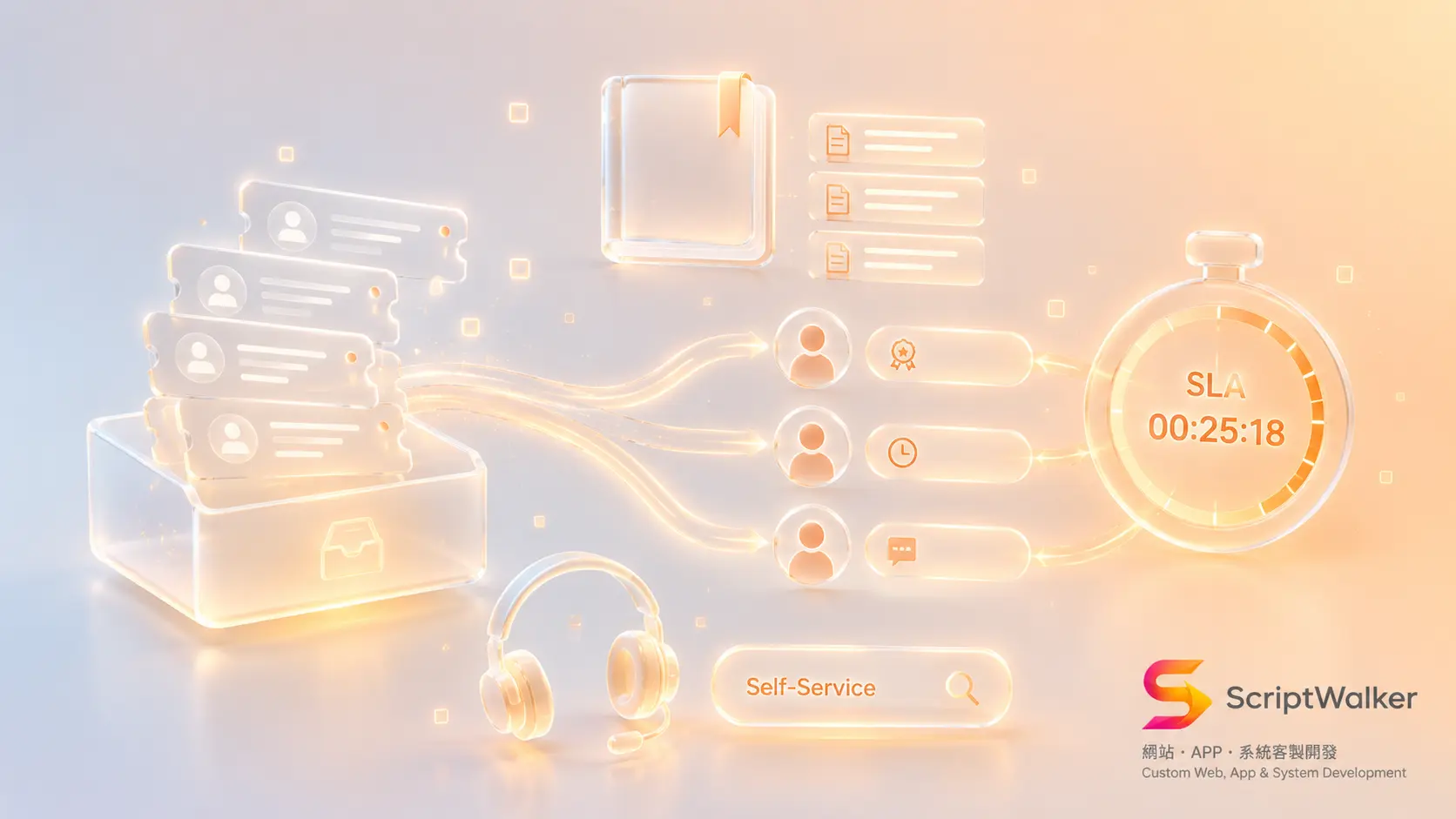
Late last year we took on a project for an industrial equipment distributor: 28 staff, two dedicated support agents. Their service@ inbox received 640 emails a month, and roughly 70 of them (11 percent) went more than 72 hours without any reply. Nobody was ignoring customers — two people shared one mailbox, so A assumed B had answered and B assumed A had. The real bill came from a warranty dispute: a customer insisted they had reported the fault in March, the company could not produce a record, and it absorbed a NT$48,000 replacement. That is not an attitude problem. It is having no system that remembers who owes a reply, by when, and what was said last time.
When It Fits and When It Does Not
Good candidates for a ticketing system
- More than 150 inquiries or complaints per month, arriving through more than one channel (email, LINE, phone, web form).
- More than two agents, or agents who work shifts, take leave, and eventually resign.
- Issues that cross departments — sales takes the order, engineering judges the fault, the warehouse ships the part — with real handoffs.
- You make time-based promises: warranties, SLA contracts, public-sector tenders, B2B annual agreements.
- The same questions recur often enough to be worth writing up so customers can answer themselves.
Poor candidates
- Fewer than 50 inquiries a month with a single owner — a shared inbox with labels is enough, and a ticketing tool only adds overhead.
- Business closed almost entirely by phone, with customers who never use text channels (some traditional wholesale and construction segments).
- No one internally willing to own the question "what are the rules?" A ticketing system amplifies process problems; it does not fix them.
- You are shopping for an "AI that answers everything automatically." Without a curated knowledge base, AI just gives wrong answers faster.
- You are replacing your ERP or CRM within three months — wait, because the customer data source will change entirely.
Alternatives Matrix
| Option | Upfront cost | Annual cost (3 seats) | Strengths | Weaknesses |
|---|---|---|---|---|
| Shared inbox with labels (Gmail / Outlook) | NT$0 | About NT$8,000 (mailbox licences) | Zero learning curve, usable today | No SLA clock, no assignment history, no reporting, knowledge leaves with the person |
| Global SaaS (Zendesk / Freshdesk) | NT$0–80,000 (configuration) | About NT$18,000–63,000 depending on tier (Zendesk's official pricing runs roughly US$19–115 per agent per month billed annually; Freshdesk's official pricing starts at US$15 per agent per month annually) | Complete feature set, routing and SLA out of the box, fast to launch | Cost scales linearly with seats, weaker local integrations, data lives on their platform |
| Service module inside a CRM (HubSpot Service Hub) | Onboarding billed separately (the official pricing page lists a one-time onboarding fee for Professional) | About NT$25,000–120,000 | One customer record shared with marketing and sales | Advanced automation gated behind higher tiers, steep jumps between plans |
| Self-hosted open source (Zammad / FreeScout) | NT$30,000–80,000 (setup and configuration) | About NT$20,000–40,000 (hosting plus maintenance) | Low licence cost, you own the data | Someone must maintain and upgrade it, customisation means touching source code |
| Custom build (Laravel) | NT$260,000–450,000 | About NT$60,000–120,000 | Routing and SLA logic fits your actual process, direct access to your own ERP and warranty data | High upfront investment, needs a clear spec and an internal owner |
The decision rule is short: if your ticket workflow looks like everyone else's in your industry, buy SaaS; if the workflow itself is the competitive advantage — warranty adjudication, parts inventory, dealer tiers — a custom build earns its keep. The distributor went custom because every ticket needed a live lookup of serial number, warranty expiry, and stock. Getting SaaS to do that would have meant wiring three APIs and maintaining them forever.
The Build, Phase by Phase (10–12 weeks)
- Week 1 — Audit and ticket taxonomy. Pull three months of support email and classify it to find the top 10 issue types. Deliverables: ticket type table, priority matrix (impact × urgency), SLA tier table. Tool: Notion as the rules repository.
- Week 2 — Routing rules and escalation paths. Define who takes what, how long before an idle ticket escalates and to whom, and how business hours and public holidays are counted. Deliverables: routing table, escalation tree, business-calendar definition.
- Weeks 3–4 — Interface design. Produce high-fidelity Figma screens for the agent workspace (list, detail, internal notes, merge) and the customer self-service lookup page, then run a live walkthrough with real agents. Deliverables: clickable prototype, field specification.
- Weeks 5–8 — Build. Laravel for the ticket core, permissions, and audit log; Laravel Queue with Redis for inbound mail parsing, SLA expiry scanning, and notification scheduling; Amazon SES or Postmark for mail in and out; entry points wired to the website form and the LINE Official Account. Deliverables: staging environment, API documentation.
- Week 9 — Knowledge base and self-service. Write 20 articles covering the highest-frequency issues and embed them in the ticket creation flow, so suggested articles appear while the customer is still typing. Deliverables: 20 published articles, self-service lookup page.
- Weeks 10–12 — Parallel run and launch. Run the old inbox and the new system side by side for two weeks, train agents for 8–12 hours, monitor the mail pipeline with UptimeRobot, and stand up day-one reporting in Metabase. Deliverables: acceptance checklist, operations handbook, dashboard.
Full Cost Breakdown
- Planning and design: NT$45,000–70,000 (roughly 60–90 hours, including the classification audit and Figma work).
- Development: NT$180,000–320,000 (ticket core, routing, SLA timers, knowledge base, reporting).
- Historical data migration: NT$20,000–50,000 (three years of email converted to tickets and matched to customers). Almost always underestimated.
- Knowledge base content: 20 articles × about 1.5 hours = 30 hours; roughly NT$30,000 outsourced, or real internal headcount if written in house.
Hidden costs to budget for:
- Transactional email (Amazon SES / Postmark): NT$300–2,500 per month depending on volume.
- SMS notifications: about NT$0.8–1.2 per message; escalation alerts are the line item that runs away from you.
- Hosting and Redis: NT$1,500–4,500 per month.
- Domain and certificates: Cloudflare's free tier covers most cases; a purchased certificate runs NT$0–3,000 a year.
- Maintenance and rule tuning: from NT$8,000 a month, effectively unavoidable in year one.
- Agent learning curve: about two extra hours per person per week for the first two months.
ScriptWalker's Support Ticketing and SLA Management System package starts at NT$260,000 and covers the ticket core, routing rules, SLA timers with escalation, the knowledge base, and the customer self-service lookup, with standard delivery in 10–12 weeks.
What Clients Expect vs What Actually Happens
- Expectation: we can cut one support headcount at launch. Reality: agent hours rise 15–20 percent for the first six weeks while classifications and history get backfilled; the labour payoff usually turns positive in month three.
- Expectation: the smarter the auto-routing, the better. Reality: past about eight rules, nobody can explain why a ticket landed on their desk, agents start reassigning by hand, and the rules become decoration.
- Expectation: once the knowledge base exists, customers will search it. Reality: if it is not embedded in the ticket creation flow, self-service deflection stalls around 3 percent; embedded, we typically see 12–18 percent.
- Expectation: "reply within 24 hours" is a sufficient SLA. Reality: without a business calendar, a ticket arriving Friday at 5pm is already breached when the team logs in Monday, and the report turns red across the board.
Five Traps and How to Avoid Them
- Trap: using personal-mailbox forwarding as the intake, so the sender becomes a colleague and replies never reach the customer. Fix: a dedicated intake domain (support@) received directly over IMAP or SES, with Message-ID parsing to thread conversations.
- Trap: letting customers set priority — everything becomes "extremely urgent." Fix: derive priority automatically from an impact × urgency matrix and let customers describe only the symptom.
- Trap: no "waiting on customer" state, so time spent waiting counts against your own SLA. Fix: build a pausable SLA clock plus auto-close after seven days of silence.
- Trap: shipping v1 with 20 required fields, adding three minutes to every ticket. Fix: keep six required fields in the MVP and make the rest optional or auto-populated.
- Trap: one customer emailing five times creates five tickets and skews every metric. Fix: auto-link by email address plus subject similarity, with one-click merge and split.
- Trap: data is trapped, so every management question needs an engineer writing SQL. Fix: connect Metabase on day one and keep a full-column CSV export.
Success Metrics and the 90-Day Roadmap
- Day 30: intake consolidation above 90 percent (nine in ten inquiries enter through the system rather than private mailboxes). Establish baselines for median first-response time and breach rate. Measure only; optimise nothing this month.
- Day 60: median first response under four business hours, SLA breach rate under 5 percent, 20 knowledge base articles live with self-service search enabled. Review reassignment counts weekly — any category reassigned more than twice signals a broken routing rule.
- Day 90: first-contact resolution at or above 65 percent, ticket reopen rate under 8 percent, self-service deflection of 12–18 percent, average handling time down 20 percent from baseline, CSAT at or above 4.3 out of 5. Only now is it worth discussing AI-suggested replies — clean ticket history is what makes them accurate.
Decision Checklist
- ☐ Do you handle more than 150 support items a month?
- ☐ Do inquiries arrive through more than two channels?
- ☐ Have you ever paid compensation because a record could not be found?
- ☐ Do you have more than two agents, or shift coverage?
- ☐ Have you promised customers a response or resolution time?
- ☐ Can you name your top 10 issue types right now?
- ☐ Is there someone internally who can rule on "what the rules are"?
- ☐ Do tickets need to move between departments?
- ☐ Do agents need live lookups of warranty, serial number, or stock?
- ☐ Are you willing to invest 30 hours writing the knowledge base before launch?
- ☐ Are you replacing your ERP or CRM within three months? (If yes, wait.)
- ☐ Can you budget NT$60,000 or more for first-year operations?
- ☐ Can you accept agent hours rising for the first six weeks?
Eight or more checks means it is worth building. Fewer than five means you should first write down who owns what in the shared inbox.
FAQ
Can we start on SaaS and move to a custom build later?
Yes, and it is often the cheapest path. Run Zendesk or Freshdesk for three to six months until the ticket taxonomy, SLA tiers, and routing rules stabilise — all of that carries over to a custom build. The thing to watch during migration is the export format for historical tickets and attachments; most SaaS platforms offer API export, so budget NT$20,000–50,000 for the move.
Can LINE Official Account messages become tickets too?
Yes, via a Messaging API webhook that converts messages into tickets. Two things to settle first: LINE users expect much faster replies than email, so that channel needs its own SLA tier; and the same person may ask the same question over both email and LINE, so identity resolution has to key on a phone number or member ID rather than the channel account.
Is AI auto-reply worth doing?
Yes, but not first. Accumulate three months of clean tickets and 20 knowledge base articles, then add AI-suggested replies that an agent approves before sending. Turning on fully automated replies on day one usually ends with customers angered by a wrong answer picking up the phone instead, which raises total cost rather than lowering it.
Does a two-person team need a ticketing system?
If you handle fewer than 50 items a month, no. A shared inbox where each person tags what they picked up, plus a five-minute reconciliation each morning, solves ninety percent of it. The threshold where a ticketing system starts paying for itself is usually 150 items a month, or the day the third agent joins.
Next Step
If you are evaluating options, we offer a free 60-minute support-process review. Bring three months of inquiry volume, your current division of labour, and the three complaint types that cause the most friction. We will sketch your ticket taxonomy and draft SLA tiers on the spot, and produce a three-year total-cost comparison of SaaS versus a custom build. The output is yours to use whether or not we work together.
- Email: [email protected]
- Phone: 0916-224-047
- LINE: @ufv9089p