AI & Automation

Agentforce Coworker Just Made Every Salesforce Search Bar Into An AI Teammate — Here's What CRM-Adjacent Devs Need To Know

2026.05.24 · 58 views
Agentforce Coworker Just Made Every Salesforce Search Bar Into An AI Teammate — Here's What CRM-Adjacent Devs Need To Know

Salesforce shipped its biggest CRM UX change in a decade this weekend, hidden inside a humble search box. For agencies whose clients touch Salesforce, Slack, Teams, or ChatGPT, the integration window opens now.

There is a recognizable shape to a piece of enterprise software that is about to swallow a category. Twenty years ago it was the Google search box on intranets. Ten years ago it was Slack's command bar. This weekend it became Agentforce Coworker — Salesforce's new in-search-bar AI teammate, announced on 21 May and rolling out across all Agentforce-licensed orgs over the last 72 hours.


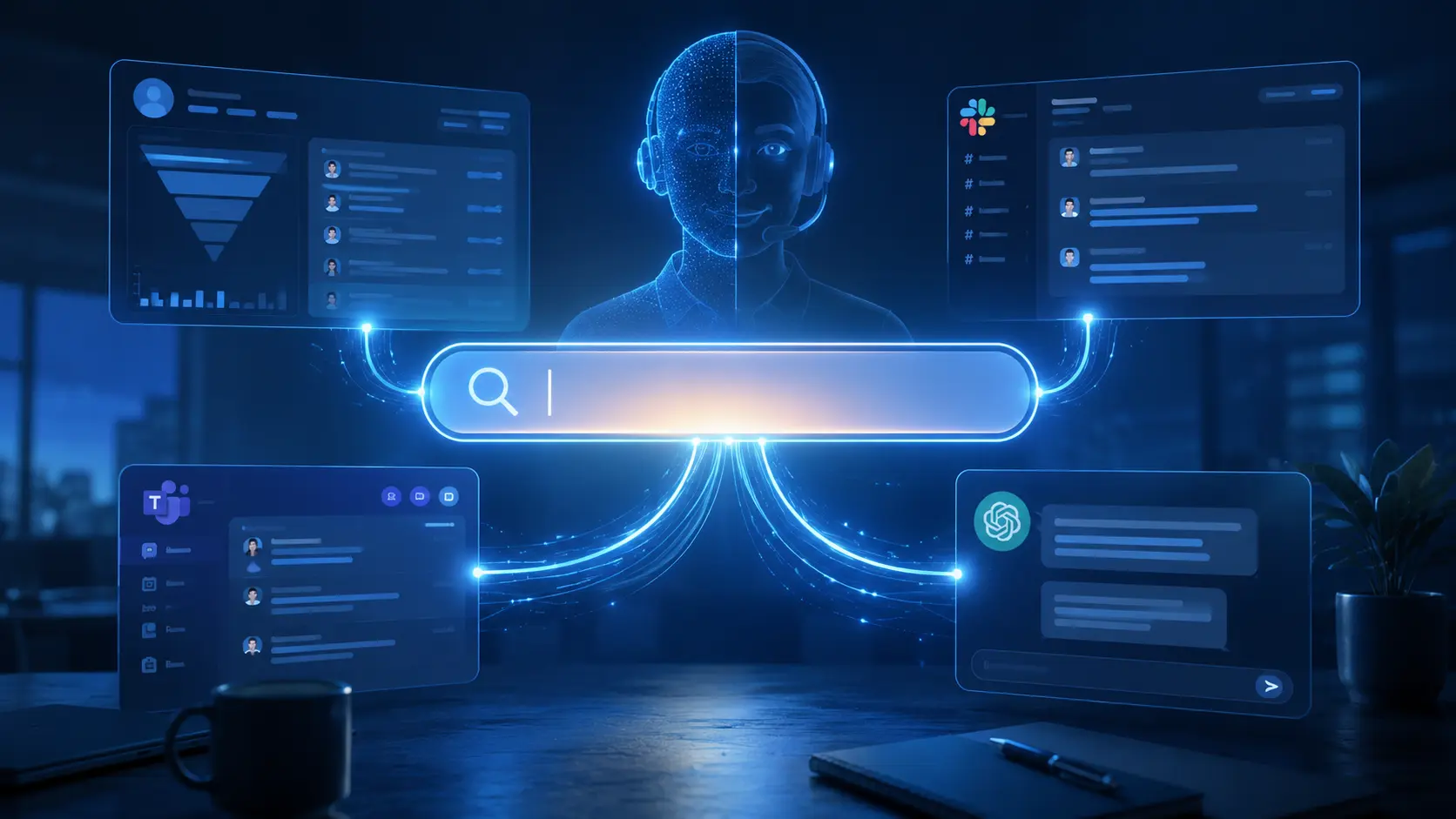
The product is small in surface area and large in implication. Type a question into any Salesforce search bar — Global Search, Slack, Teams, even ChatGPT if you have the connector — and an AI agent reads your CRM context, drafts an answer with sources, and offers to take action. The interaction model is so undramatic that it is easy to miss what just happened: Salesforce just made the search bar the primary surface of the CRM. Forms, list views, and dashboards have been demoted to the secondary surface.


If you build for clients whose business runs on Salesforce, this is the integration window for the next twelve months. Below is the substance — what shipped, what it changes, and the four concrete pieces of work for your roadmap.


1. What Actually Shipped


Agentforce Coworker is now available in beta to all Agentforce customers across Enterprise, Unlimited, and Agentforce 1 editions. It surfaces in: Salesforce Global Search — the search bar at the top of every Lightning page; Slack — as a slash command and an embedded panel; Microsoft Teams — same; ChatGPT — via the Salesforce custom GPT connector announced in December 2025; and Mobile — inside the Salesforce mobile app's native search experience.


In each surface, the agent has access to the user's permission-scoped CRM data, recent activity, opportunities, and cases, and can both answer in natural language and take action — log a call, update a record, generate a quote, escalate a case. It is permission-aware, audit-logged, and runs against your organization's Einstein Trust Layer settings. For admins this is the most consequential thing: it is not a new system to govern, it is the existing CRM with a new conversational interface.


The product roadmap published with the announcement adds two more surfaces in Q3: a browser extension that brings the agent into Gmail and any web app, and an API that lets third-party apps embed the agent as a panel. The pattern Salesforce is pursuing is clear: be the conversational interface to enterprise data, regardless of the host application.


2. Why The Search Bar Is The Right Surface


The strategic decision is to fight Microsoft Copilot, Google Gemini for Workspace, and the long tail of vertical agents on the surface that every knowledge worker already uses dozens of times a day: the search bar. Three reasons make this the right pick.


First, the search bar is the lowest-friction input surface in enterprise software. Users do not need to learn a new keyboard shortcut, a new app, or a new chat window. The discovery problem that has plagued enterprise AI adoption for two years is solved by simply being where the user already types.


Second, search is the natural entry point for an agent that needs context. A standalone chat window starts from zero context. A search bar embedded in a record page already has the record in scope. The agent's first question — "what does the user want me to do?" — is answered halfway by the surrounding UI.


Third, the search bar is the natural place to chain actions. Type "find Acme's recent opportunities and draft a follow-up email," and the agent has both the query and the next-step action in one input. This is the workflow that legacy CRM has historically made painful — you find the records, then navigate to a different page to act on them. Agentforce Coworker collapses the two into one input.


3. What This Changes For Developers Who Touch Salesforce


The integration window is bigger than it looks. Four areas open up immediately.


Custom Lightning components that expose data to the agent. Anything you have built as a Lightning Web Component that surfaces non-standard data — a custom contract record, a payment status, a third-party-system summary — should now be wrapped with the Agentforce-readable metadata so the agent can include it in answers and actions. The pattern is similar to schema.org markup for SEO: an annotation layer that converts data the agent can already fetch into data the agent can confidently use.


Custom Apex actions exposed as agent tools. The Apex action framework gained a new annotation that publishes a method as an agent-callable tool with typed inputs, a natural-language description, and permission scoping. Any business process you have built as an Apex action — quote generation, custom record creation, third-party API call — should be reviewed for whether it belongs in the agent's toolbox.


Slack and Teams app integrations. If you have a custom Slack app that pulls Salesforce data, the agent now competes with it. The pragmatic move is to refactor the custom app into an Agentforce extension — keep the data surface, retire the UI, and let the agent handle the conversation. The maintenance load drops, and the user experience improves.


Third-party data sources. Salesforce Data Cloud Connectors got a refresh in the same week. Any data your client has in a non-Salesforce system — a Laravel-backed PIM, a custom MIS, a billing platform — can be connected as an external data source and become visible to the agent. The agent does not care that the data is not in Salesforce; it cares whether the connector exists. For agencies that maintain Laravel-side systems for Salesforce-using clients, building the connector is the contract that pays for itself in three months of avoided "but our CRM does not show that" tickets.


4. The Risks To Manage


The release is not without sharp edges, and good agencies will get out in front of three risks before clients ask.


Hallucination on custom records. The agent is excellent on standard objects and trained on Salesforce schema; it is more variable on custom objects, especially newly-created ones with limited example data. The mitigation is to populate the object's description metadata richly, add Apex action descriptions in plain language, and run a sampling QA cycle on the first 50 agent responses against the object.


Permission boundary surprises. The agent honors record-level permissions, but the way it summarizes across many records can produce a synthesis that exposes inferences a single user is not technically permitted to make. Salesforce's permission engine catches the leaks; the user perception of "the agent told me something I should not know" is a separate problem and worth a discussion with the security stakeholder.


Action irreversibility. The agent will offer to take actions. Most actions are reversible (update a field, log a call); some are not (send an email, close a case, post to a Slack channel). The recommendation is to default to "ask before executing" on every irreversible action for the first 30 days, and to instrument an audit dashboard so the admin team can see which actions the agent has executed across the org.


5. The Strategic Read For Multi-Vendor Agencies


The deepest implication is for agencies that maintain integrations across Salesforce + a custom Laravel/Flutter stack + a third-party billing or commerce platform. Two years ago the natural answer was "we glue them together with REST calls and a Slack notification." One year ago it was "we orchestrate with Zapier or n8n." This year, increasingly, the answer is: Agentforce Coworker as the conversational glue, custom Apex actions as the verbs, and Data Cloud Connectors as the read surface.


That is a re-architecture, not a refactor. The agencies that recognize the shape early and propose it to clients before the in-house IT team builds something else are the ones who will book the next 18 months of integration work. The agencies that treat Agentforce Coworker as "just another Salesforce feature update" will read about it in a competitor's case study at Dreamforce.


My Take


Three years of enterprise AI has produced a fatigue: every vendor has an agent, every agent has a chat window, no one's chat window gets used twice. Agentforce Coworker is the first product I have used this year that I expected to ignore and ended up keeping open. The reason is the search bar. Putting the AI inside the surface I already used twenty times a day removed the discovery problem, and the conversational responses started replacing the navigation I used to do by clicking through lists and tabs.


For agencies, the call to action is unambiguous: schedule a one-day workshop with every Salesforce-using client in your book, map their three most common workflows to Agentforce Coworker prompts, and document where the agent does well and where it falls down. The clients with the highest pain in those workflows are the ones who will pay for the integration work in Q3. The clients who do not yet feel the pain will, by Q4.


The risk is being the agency that explains this to the client three months after the client's in-house champion has already explained it to the CEO. Move now.


Sources


AI & Automation Back to Blog