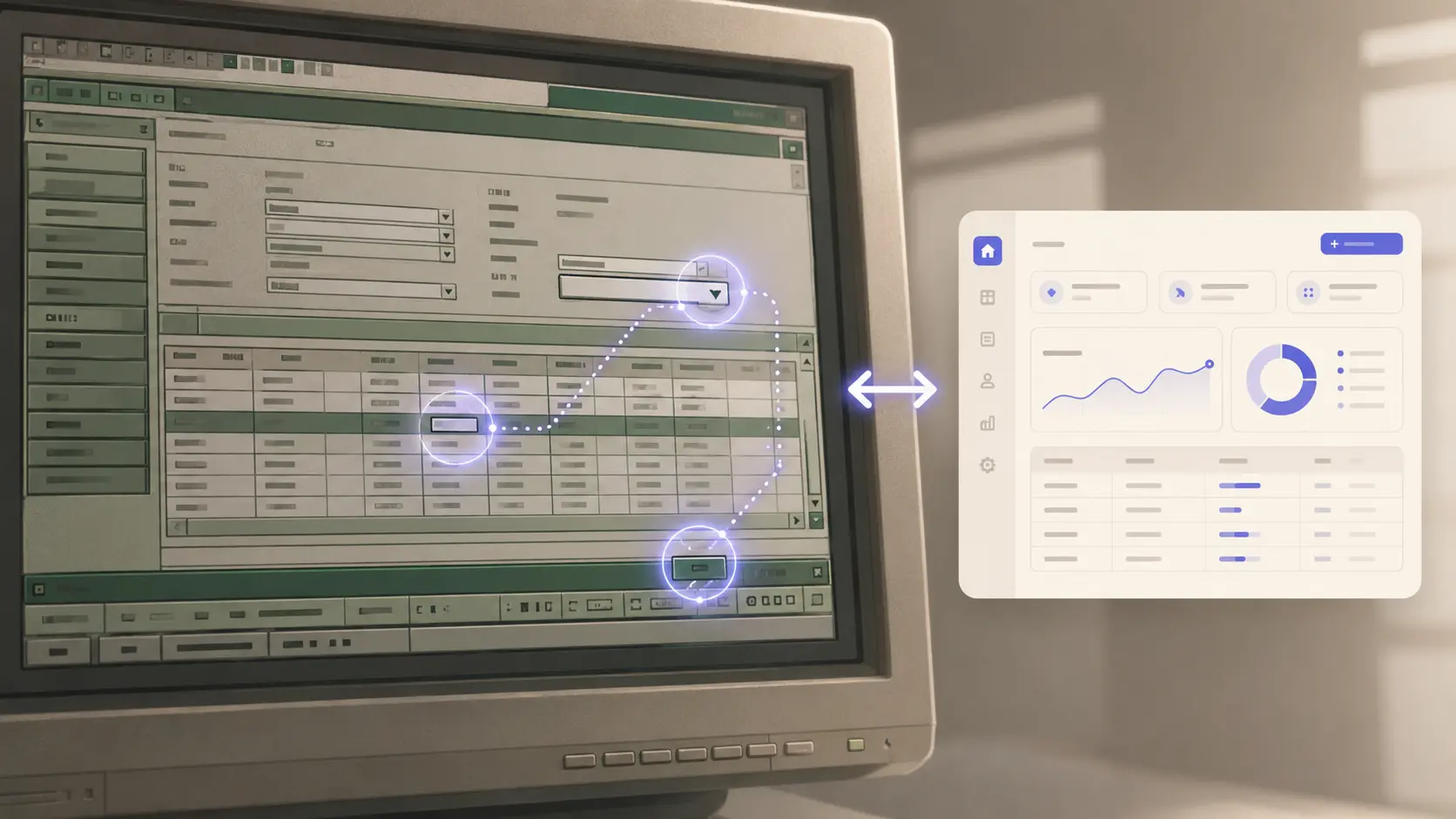
The most consequential AI announcement of the last two weeks is not the model release everyone is talking about. It is Microsoft moving computer use in Copilot Studio from public preview to general availability, with rollout completing this week to every commercial Power Platform geography. For the agencies, system integrators, and in-house engineering teams that have spent the past decade writing brittle Selenium-style automations against legacy ERPs, MES dashboards, freight portals, and government e-services that will never get a real API — this is the day the bridge finally got built.
Computer use in Copilot Studio is the productized version of what the research community has been calling a Computer-Using Agent (CUA): a model that reads the screen with vision, reasons about what is on it, and operates a virtual mouse and keyboard to take the next sensible step. The trick is that the agent does not depend on CSS selectors, on accessibility trees, on guessable IDs. It looks at the rendered pixels the way a human does. When the layout shifts — and on legacy SAP screens, freight broker portals, and bank batch consoles, the layout always shifts — the agent adapts, where a Selenium script would silently fail.
1. What Is Actually New In This Release
Three things are new in the GA cut Microsoft published this month.
Multi-model support landed. Copilot Studio's computer use tool now lets the maker choose between Anthropic's Claude Sonnet 4.5 and OpenAI's Computer-Using Agent as the reasoning engine, per agent and per task. Claude Sonnet 4.5 is positioned as the choice for dense, dynamically changing dashboards (think: ops consoles, ERP screens with live data). OpenAI's CUA is positioned as the choice for orchestrating multi-step web + desktop flows that span tabs and applications. This is the first major productized agent platform where the maker, not the platform, picks the model — a meaningful shift in the agent-orchestration market.
Self-hosted execution is in. The browser/virtual machine that the agent operates can now sit inside your own tenant — your Azure subscription, your network perimeter, your IP allow-list. Microsoft will manage the orchestration, your data stays in your boundary. This was the single largest blocker for regulated industries during the preview. It is now solved.
Global rollout is complete. Every commercial Power Platform region — including the geographies that hold up regulated EU and APAC deployments — now has computer use generally available under the same data residency rules as the rest of Power Platform. No more "the cool feature is only in US-Gov East."
2. Why Selector-Based RPA Was Always Going To Lose
Anyone who has run a Selenium-, UiPath-, or Automation Anywhere-style automation in production for more than 18 months knows the failure mode. The vendor pushes a UI tweak. Three nodes shift in the DOM. The automation runs at 3am, hits a non-existent selector, throws, and the overnight job that the warehouse depended on doesn't run. The morning is spent triaging, the afternoon spent patching, and the same cycle repeats every quarter.
The selector pattern has always been a mismatch with the underlying reality: humans automate UIs by looking at them, not by parsing the DOM tree. Until vision-and-reasoning models were cheap and reliable enough to do the same thing, the selector approach was the only option. We are now past that threshold. A CUA does not care that the "Submit Batch" button moved 30 pixels right and changed colour. It still looks like a Submit Batch button.
The economics shift accordingly. The cost-per-automation of a CUA is higher than a selector script per run, but the maintenance cost per quarter collapses. For the average client we have, maintenance on a Selenium suite eats more engineer-hours per year than the original build. CUA eliminates most of that line.
3. The Use Cases That Actually Work In Production Today
After a fortnight of internal testing across three client environments, the cases that have settled out as clear wins:
Legacy ERP data entry. A clerk historically transcribed line items from supplier emails into an old SAP screen. The CUA reads the email, opens SAP, navigates the menu, enters the lines, validates, submits. Time per item: 35 seconds down from 4 minutes. Error rate: lower than human baseline.
Government portal filings. Tax filings, customs forms, business-registry updates — the portals that change layout twice a year and have no API. The CUA learns the flow once and re-learns the layout shifts without intervention. Our internal canary: a quarterly filing that used to take 90 minutes of human time, now runs in 8 minutes of CUA time, fully unattended.
Freight broker portal aggregation. A logistics client checked rates across nine carrier portals manually every morning. The CUA opens each portal, runs the lane query, captures the rates, normalises into a spreadsheet, and emails the result. 35 minutes of manual work, every day, gone.
Customer service ticket triage in a homegrown CRM. The CRM has no API. The CUA reads the ticket, looks up the customer in a separate billing system (also no API), and pastes a synthesised summary back into the ticket. The agent sits the support reps on the same screen they were already using.
What does not yet work reliably: anything that requires fine-grained drawing (canvas-based design tools), anything that depends on long-press gestures on touch surfaces, and any flow that involves a CAPTCHA. Those will close eventually but are not closed today.
4. The Architectural Pattern For PHP / Laravel Shops
For shops that primarily build with Laravel, the integration looks like this. Your Laravel app continues to own the modern workflow — the part with the proper API, the database, the queues. The CUA in Copilot Studio is the bridge to the legacy systems your client cannot replace. The CUA does the screen-reading job; your Laravel app exposes a small set of webhook endpoints that the CUA calls when it has data to push or pull.
The shape of the project changes too. Instead of selling the client a "full replacement of the legacy ERP" (which scares them and costs them seven figures), you sell them a CUA bridge: the legacy ERP stays where it is, the new Laravel app sits in front of it for the workflows that matter, and the CUA shuttles data between them in the gaps. The client gets the workflow improvement without the rip-and-replace risk. The migration to a fully replaced backend can happen later, on the client's calendar, not yours.
This is a fundamentally different sales motion. The win-rate against the entrenched-ERP fear is much higher. The build is shorter. The path to value is in weeks, not quarters.
5. The Three Things To Pilot Before End Of Q2
If you have not put a CUA into production yet, three pilots are low-risk, high-signal, and fit into the remaining six weeks of this quarter.
Pilot one: the boring overnight batch. Find the one nightly batch process at a client that runs against a legacy UI, breaks every six weeks, and costs a person an hour to fix each time. Rebuild it as a CUA. Cost the maintenance saving over a quarter. This is the easiest sale to the CFO you will make this year.
Pilot two: the cross-portal aggregator. Identify a daily report that requires logging into 3+ external portals (carriers, payment gateways, supplier dashboards). Build it as a CUA flow into a Laravel dashboard. The marketing material writes itself.
Pilot three: the form-in-the-old-system bridge. Pick one form in the client's modern app that today triggers a human to re-enter the same data into a legacy system. Wire a CUA to do the re-entry. This is the most-loved internal demo we have, every time.
6. The Governance Question Every CIO Will Ask
Before any of this ships, the CIO question is: what stops the agent from doing something destructive? The Copilot Studio GA includes the controls that make the answer concrete. The agent operates inside a managed runtime your team configures. You define per-application permission scopes — Claude Sonnet 4.5 can read the SAP screen, click into the line-item form, submit; it cannot navigate to the system administration menu. You define approval gates on consequential actions — submissions over $X, deletions, anything that touches Finance — that pause the agent and ping a named human for sign-off. You get a complete audit log of every action the agent took, with screenshots.
This is the layer that took the longest to ship and it is the layer that makes the GA actually GA. Without it, no regulated enterprise would deploy. With it, the door is open.
My Take
The "computer use" capability is the missing piece that turns the agentic-AI story from a developer toy into an enterprise-software story. The 2025 conversation was "the model can think." The 2026 conversation is "the model can act, in the same UI a person uses, without us writing a single integration." The implications for service businesses — for the agencies and SIs and outsourced engineering teams who have made a living writing custom integrations — are huge. The work does not disappear; it shifts. The new high-margin engagement is "the CUA bridge between the client's modern stack and the legacy systems they cannot retire," and that engagement is shorter, less risky, and more demonstrable than the rip-and-replace we used to sell.
For Laravel/PHP shops, this is the moment to add CUA to your service catalogue. The training cost is one engineer for a week. The first paying engagement closes inside a month. The narrative writes itself: we can automate the system you thought was un-automatable, in weeks not quarters, without touching the system itself. The CIO who has spent ten years dreading the ERP replacement project is the easiest sale you will make this year.
Sources
- Computer-using agents in Microsoft Copilot Studio are now generally available — Microsoft Community Hub
- Automate web and desktop apps with computer use — Microsoft Learn
- Improve complex UI automation with computer-using agents — Microsoft Copilot Blog
- Microsoft Copilot Studio Brings Computer-Using Agents to the Enterprise — DevOps.com
- Copilot Studio + Computer Use: AI for legacy — Bravent