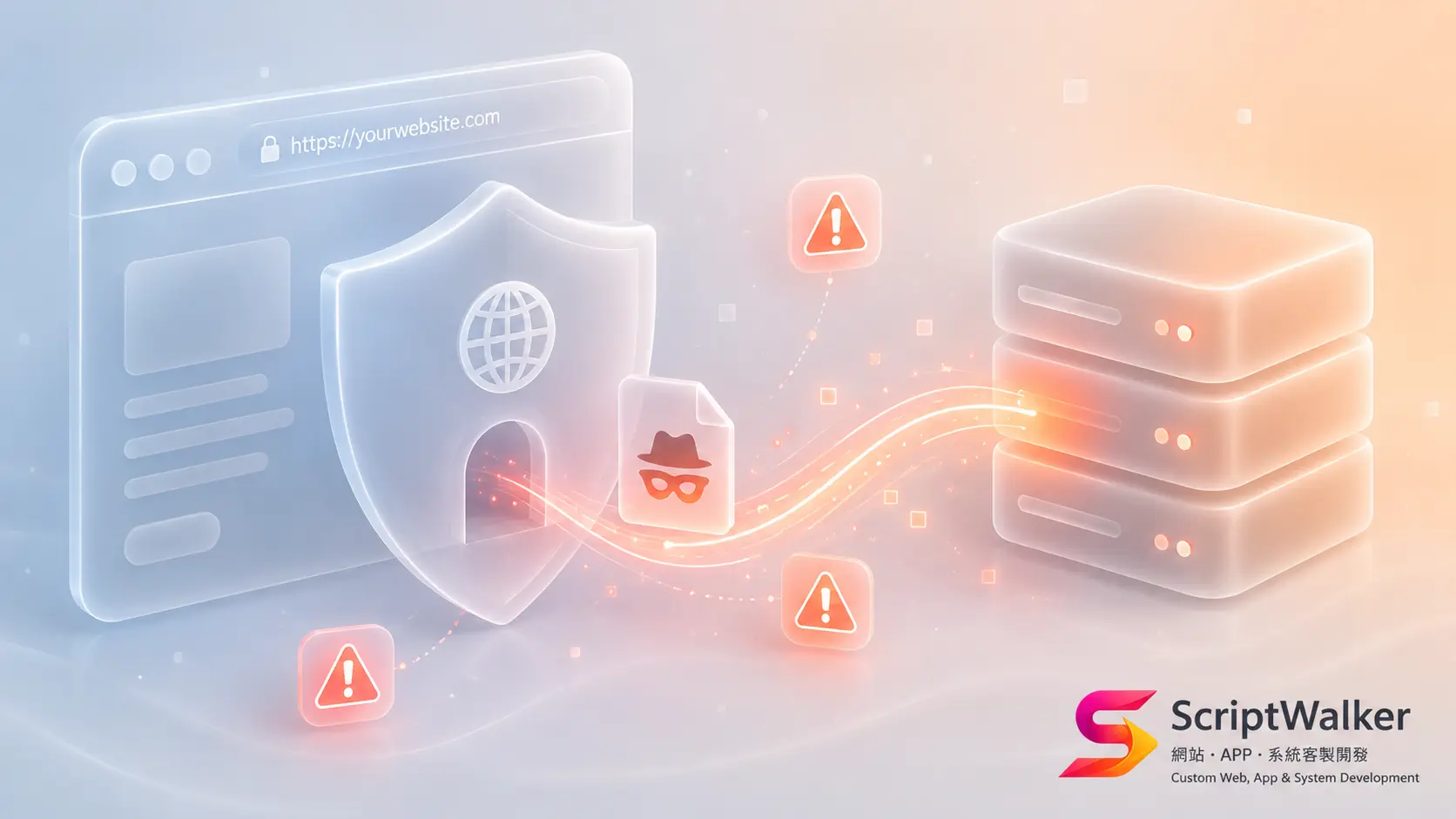
CVE-2026-3844 在本週被列為 CVSS 9.8(Critical) 的未認證任意檔案上傳漏洞,影響 WordPress 上安裝量超過 40 萬的 Breeze 快取外掛(由 Cloudways 維護)。BleepingComputer 報導攻擊已在野外進行,Wordfence 已攔下相關利用嘗試。一句話總結:不需要任何帳號密碼,攻擊者就能把 .php 檔丟上你的伺服器、拿到 webshell——企業滅頂級的破口。
技術原理不複雜,也正因此危險。問題出在 fetch_gravatar_from_remote 函式:當「Host Files Locally – Gravatars」這個附加選項打開時,外掛會去抓遠端頭像並存到本地,但完全沒做副檔名/MIME 型別驗證。攻擊鏈是:未認證攻擊者 → 操控 Gravatar 抓取的來源與檔名 → 把惡意 PHP 寫進可由 Web 存取的目錄 → 直接連到該檔執行任意程式碼。不需要登入、不需要使用者互動,PoC 已公開在 GitHub。唯一前提是那個 Gravatar 本地代管選項要被開啟(非預設)。
受影響版本是 Breeze ≤ 2.4.4 的所有版本,Cloudways 已在 2.4.5 修補。WordPress 撐起全球四成以上網站,快取類外掛幾乎是標配,而 Breeze 在 Cloudways/DigitalOcean 主機族群極常見。揭露到實戰利用的時間窗一如往常被壓縮。對任何維運 WordPress 客戶站的接案商,這是今天就該動手的等級。
接下來解的是:怎麼判斷有沒有開那個選項、立刻補丁與無法立刻補丁時的緩解、以及該抓哪些 IOC。
技術細節:漏洞類型與攻擊路徑
- 漏洞類型:未認證任意檔案上傳 → 遠端程式碼執行(RCE)。
- 根因:fetch_gravatar_from_remote 缺少檔案型別/副檔名驗證。
- 觸發條件:啟用 Host Files Locally – Gravatars 附加功能。
- 認證需求:無。
- PoC 狀態:已公開。
快速緩解(Nginx 範例:擋掉上傳目錄的 PHP 執行):
location ~* /wp-content/(uploads|cache)/.*\.php$ {
    deny all;
    return 403;
}
find /var/www/*/wp-content/{uploads,cache} -name '*.php' -mtime -14 -print三類讀者的立刻行動
- 系統管理員:立刻把 Breeze 升到 2.4.5;無法立刻升級就先關閉 Host Files Locally – Gravatars,並在 Nginx/Apache 對 uploads、cache 目錄停用 PHP 執行;上 WAF 規則擋異常 Gravatar 請求。
- 開發者:掃描 uploads、cache 內近 14 天新增的 .php 檔;檢查 access log 是否有可疑請求;輪換可能外洩的密鑰與管理員密碼。
- 接案商/顧問:今天就寄客戶通告——列出受影響版本、你已採取的動作、客戶端要不要改密碼。把資安看護變成月費維護合約的最佳時機。
補丁 vs 緩解措施對照
| 情境 | 立即補丁 | 無法立即補丁時的緩解 |
|---|---|---|
| 可立即更新 | 升級 Breeze 至 2.4.5 | — |
| 暫時無法更新 | — | 關閉 Host Files Locally – Gravatars 選項 |
| 主機層 | — | Nginx/Apache 對 uploads/cache 停用 PHP 執行 |
| 邊界層 | — | WAF 擋未認證 Gravatar 抓取、限制可寫目錄 |
| 事後 | — | 掃描 webshell、輪換密鑰與管理員密碼 |
IOC 與威脅情資
- 上傳目錄(uploads、cache)出現非預期的 .php 檔。
- access log 中對 Gravatar 相關 endpoint 的異常 POST/GET,帶外部 URL 參數。
- 短時間內對同一新建 .php 路徑的反覆請求(webshell 互動特徵)。
- 出現不熟悉的 wp-cron 排程或新管理員帳號。
不會告訴你的事
- 「非預設選項才會中」聽起來安全,但很多 Cloudways/代管站為了載入速度早就把 Gravatar 本地代管打開了——最好實際進設定確認。
- 補丁只堵住這個函式。若已被植入 webshell,升級外掛不會移除既有後門——必須額外做檔案稽核與密鑰輪換。
這代表的更大趨勢
「揭露 → 修補 → 實戰利用」的時間窗持續壓縮到以小時計。對 WordPress 這種外掛生態,真正的風險從來不是核心,而是裝了就忘的第三方外掛。被動等 patch window 的時代結束了,剩下的只有自動更新加主動稽核。
常見問題 FAQ
我的站沒開那個 Gravatar 選項,還需要更新嗎?
需要。預設雖然關閉,但很多代管環境為了效能會自動開啟,且你無法保證未來不會被誤開。直接升級到 2.4.5 一勞永逸,成本幾乎為零。
升級到 2.4.5 之後就安全了嗎?
補丁堵住漏洞,但不會清除升級前可能已被植入的 webshell。請務必加做一次檔案稽核並輪換密鑰與管理員密碼。
我用的是 WordPress 以外的系統,這篇跟我有關嗎?
原理通用:任何抓遠端檔案存本地卻不驗證型別的功能都可能變成檔案上傳漏洞。Laravel 專案若有頭像/檔案匯入功能,請檢查是否驗證 MIME 與副檔名、並把可寫目錄移出 Web 根目錄。
怎麼知道有沒有被入侵?
掃 uploads、cache 內近 14 天的 .php 檔,比對 access log 是否有人直接請求這些檔,並檢查有無陌生管理員帳號或 wp-cron 排程。
我的觀點
主流會說這是非預設選項、影響有限。我的判斷相反:正因為它非預設、被當成應該沒開吧,反而最危險——沒人會主動去查一個自己以為沒開的開關。真正的教訓是快取/效能外掛長期被當成無害背景元件,從不列入資安盤點。對 ScriptWalker 這種維運多個客戶 WordPress 站的工作室,客戶看護機會很明確:建立一份每個客戶站的外掛清單加版本加自動更新狀態的中央台帳,CVE 一出就能 30 分鐘內掃完所有站、群發通告。這份看得到全部客戶資產的能力,本身就是月費維護合約最值錢的賣點。