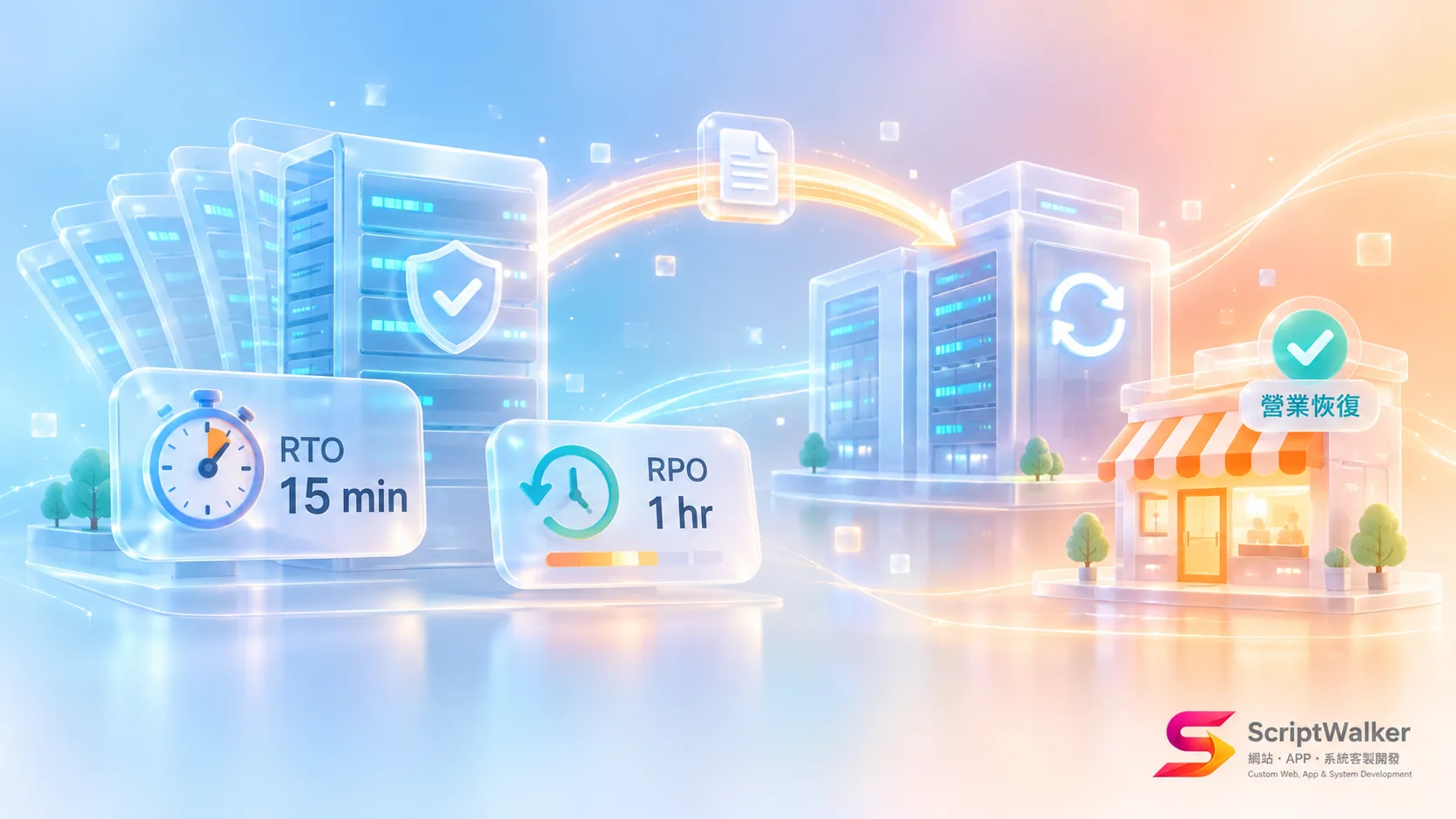
Short answer: A backup is a copy of your data; RPO is how much data, measured in time, you can lose when something fails; RTO is how long until you're running again; off-site recovery keeps a copy in another data center. Daily backups mean an RPO of about 24 hours; moving to hourly adds about NT$500–2,000 a month in hosting.
A 15-person online florist received a maintenance quote reading "daily backup, RPO 24 hours, RTO 4 hours." The owner only understood "there's a backup." Then a server disk failed, the system was restored to the previous night, and 37 Mother's Day orders from that morning vanished; support spent two days calling customers to re-enter them. These four terms belong together because only together do they answer "how much do we lose when something breaks?"
Backup: a copy of your data, like a convenience store's camera footage
A backup keeps a copy of data somewhere else so there is something to restore when things break.
Analogy: a convenience store's camera records every day, and the recording is the backup; without it, nothing can be checked after an incident. Business example: if a cram school's student list and payment records aren't backed up, a server failure means rebuilding from paper. The common 3-2-1 rule: three copies, two kinds of storage, one off-site.
RPO: how much data you can afford to lose
RPO (recovery point objective) is the maximum amount of data, in time, you lose in an incident, set by backup frequency.
Analogy: if the camera saves only every 24 hours, in the worst case you lose 24 hours of footage. Business example: an online store backs up at 3 p.m.; a failure at 9 p.m. loses six hours of orders. In the AWS disaster recovery whitepaper, shorter RPOs require more architecture and cost.
RTO: how fast you reopen
RTO (recovery time objective) is how quickly the system must be back online after an incident.
Analogy: if a shop floods, RTO is how soon it reopens. Business example: a restaurant booking system with a 4-hour RTO fails before lunch and is back before dinner; with a two-day RTO, weekend bookings are lost. RTO depends on whether restores have been rehearsed, not just on having backups.
Off-site recovery: a copy in another city
Off-site recovery keeps backups or a full system in another data center so you can keep running if the main one fails entirely.
Analogy: you keep important papers in a home safe and a bank deposit box; if the house burns, the bank copy survives. Business example: a manufacturer's ERP server is in Taichung, with backups synced to another cloud region so it can be restored after an earthquake or power outage.
How they connect: backups set RPO, rehearsals set RTO
Picture a timeline with the incident in the middle: looking left is RPO (how much data is lost), looking right is RTO (how long until recovery). Backup frequency shortens the left side; off-site copies and restore drills shorten the right. NIST SP 800-34 likewise recommends setting both targets before choosing technology.
Budget impact: choosing among three backup levels
Most SMBs only need the middle level; the key is first calculating what one hour of downtime costs.
| Level | RPO | RTO | Extra cost (monthly) | Best for |
|---|---|---|---|---|
| Basic | 24 hours | 1–2 days | NT$0–500 | Brochure sites with little change |
| Standard | 1 hour | Within 4 hours | NT$500–2,000 | E-commerce, booking, order systems |
| Advanced | Under 5 minutes | Within 1 hour | NT$3,000–10,000+ | ERP, payments, 24/7 operations |
Common misconception: having backups doesn't mean you can recover
The most common misconception is "we have backups, so we're safe." Backups never tested with a restore often turn out to be incomplete, or take a full day to restore, exactly when needed. Another is keeping backups on the same server, so both disappear together.
Five questions to ask your vendor
- "What are our RPO and RTO? Are they in the contract?"
- "Where are backups stored? In the same data center as the server?"
- "How often do you run restore drills? Can I see the last record?"
- "How many days are backups kept? Is there a clean version if ransomware encrypts our data?"
- "How much more per month to move RPO from 24 hours to 1 hour?"
Frequently Asked Questions
What's the difference between RPO and RTO?
RPO is how much data, in time, you can lose; RTO is how long until you're running again.
What RPO should an SMB set?
Systems with online orders should aim for under 1 hour; brochure sites can usually accept 24 hours.
Do cloud servers still need my own backups?
Yes. Host snapshots often lack off-site copies and restore drills; check the contract's scope.
How often should we rehearse restores?
At least once a quarter, measuring how long a restore actually takes.
Next step: we'll help you choose a level in 30 minutes
ScriptWalker (a Taiwan Laravel/Flutter custom development studio) can check where your current system's backups live, its RPO and RTO, and estimate upgrade costs. Have your hosting and maintenance contracts ready, and we'll walk you through it in a free 30-minute call.
- Email: [email protected]
- Phone: 0916-224-047
- LINE: @ufv9089p