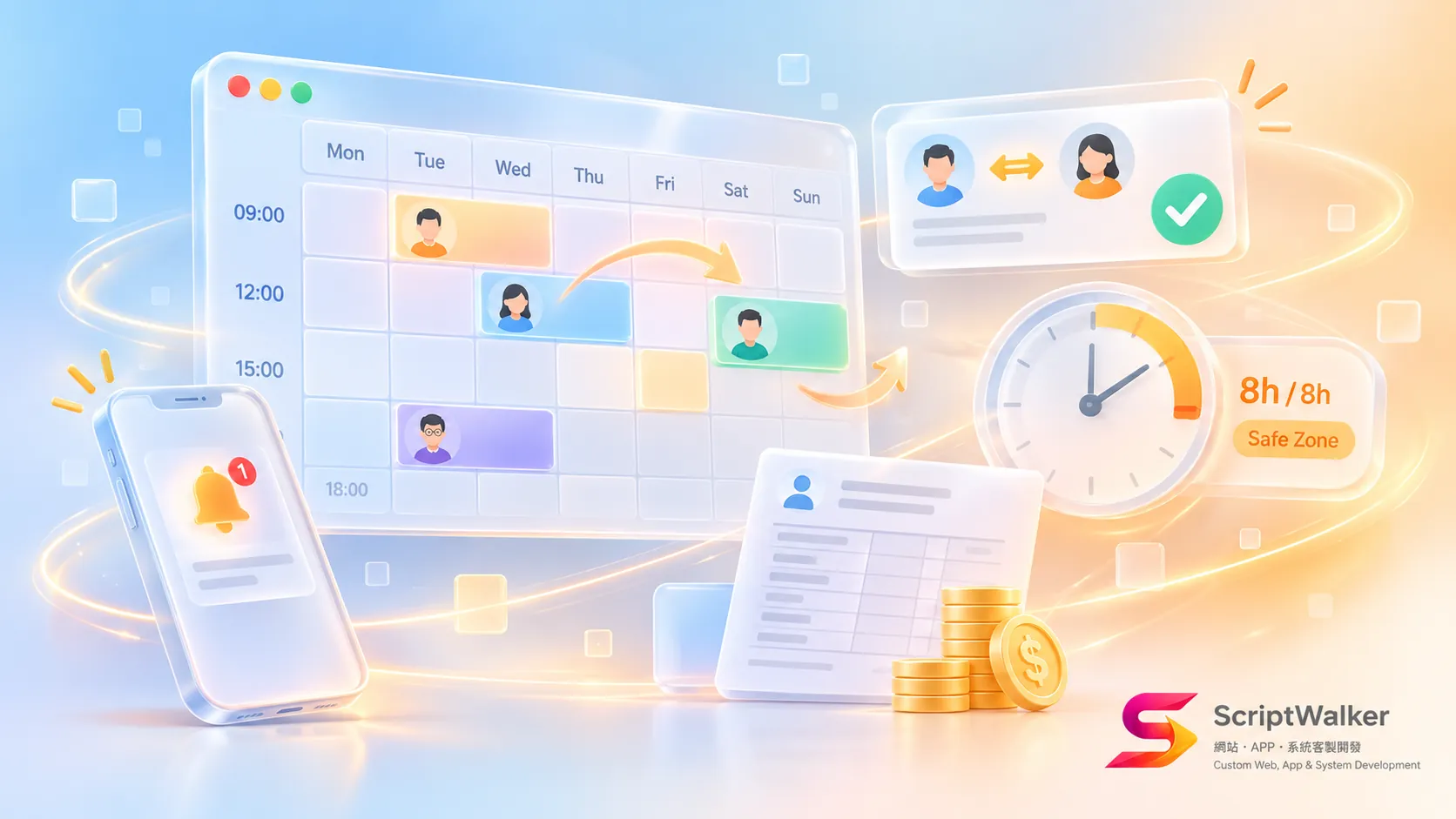
Short answer: For an eight-store chain with 60 employees, a shift scheduling system costs about NT$200K–450K and takes 10–14 weeks. The core is four things: collecting availability on phones, auto-scheduling against staffing needs, online swap approval and automatic checks for overtime and rest gaps, with hours exported straight to payroll.
An eight-store bubble tea chain has 60 employees, 38 of them part-time. Every Thursday, managers ask in LINE groups who can work next week, then type it into Excel, averaging 5 hours. Swaps happen in private messages, causing about 10 "I thought you agreed" disputes a month. At month-end HR calculates hours by hand and only then discovers someone worked six days in a row or exceeded the overtime cap.
When it fits and when it doesn't
Bottom line: multi-store businesses with many part-timers and complex shifts benefit most.
| Fits | Doesn't fit |
|---|---|
| 3+ stores with staff covering other locations | One store, under 10 people, fixed rota |
| Over 30% part-timers with changing availability | All full-time, fixed day/night shifts |
| Frequent swaps that need an approval record | Almost no swaps |
| Needs to connect clock-in, payroll or POS sales | Just needs a readable rota |
Alternatives compared
Bottom line: under 50 people with simple rules, start with SaaS; custom pays off with cross-store coverage and special rules.
| Option | Pros | Cons | Cost range |
|---|---|---|---|
| Excel + LINE groups | Free, familiar | No records, hours by hand | 4–6 manager hours/week |
| Cloud scheduling SaaS | Usable in a week, includes clock-in | Limited rule customization, data with vendor | About NT$50–150 per person/month |
| HR system scheduling module | Same system as payroll | Back-office UI, part-timers dislike it | From NT$50K–200K/year |
| Custom scheduling system | Your rules, can connect POS | Higher upfront cost, need a reliable team | NT$200K–450K + maintenance |
The build, stage by stage
Bottom line: five stages over 10–14 weeks, piloted in two stores before full rollout.
- Requirements (1–2 weeks): interview managers and HR on shift types, staffing per time slot and hour rules. Deliverable: requirements list in Notion.
- Flow and UI design (2 weeks): staff mobile screens and manager admin in Figma. Deliverable: clickable prototype.
- Core build (5–7 weeks): Laravel admin plus a Flutter or web staff app covering availability, scheduling, swap approval and hour checks. Deliverable: staging site.
- Integration and pilot (2 weeks): connect clock-in data and payroll export, push rotas via the LINE Messaging API, pilot in two stores.
- Full launch (1–2 weeks): training and store-by-store switchover.
Full cost breakdown
Bottom line: beyond development, budget about 15–20% a year for maintenance and notifications.
- Development: NT$200K–450K; cross-store coverage and POS integration push it toward the top.
- Hosting and database: about NT$1,000–3,000 a month.
- Notifications: LINE Official Account messages beyond the free quota are billed by plan; weekly pushes to 60 staff usually cost a few hundred NT dollars a month.
- Maintenance: about 15–20% of development cost a year, including legal rule updates and small changes.
- Internal time: managers and HR spend about 30–50 hours on interviews and testing.
Reality vs. expectations
Bottom line: the system can build rotas, but the owner must define the rules first.
- Expectation: the system produces the best rota automatically. Reality: you must define "best": lowest cost, or seniority first.
- Expectation: part-timers will submit availability. Reality: without deadlines and reminders, first-month completion is often under 70%.
- Expectation: managers can stop caring after launch. Reality: auto-scheduling does about 80%; managers still adjust the rest.
Common traps and how to avoid them
Bottom line: most failures come from unclear rules, not code.
- No hour rules built in: encode the Labor Standards Act limits, such as the 46-hour monthly overtime cap and 11-hour rest between shifts, as checks.
- Swaps edit the rota without a record: route every swap through request and approval, storing who agreed and when.
- Rest days and regular days off mixed up: label them separately per the Act's Enforcement Rules so payroll exports are correct.
- Launching in every store at once: pilot two stores for two weeks first.
- A staff app that feels like back office: part-timers use phones only; submitting availability should take three taps.
- No export: confirm your payroll system's field format before launch.
Success metrics and a 90-day roadmap
Bottom line: watch scheduling time, swap disputes and overtime incidents.
- Day 30: 90% availability completion; manager scheduling time down from 5 hours to under 2.
- Day 60: swap disputes under 2 a month; every overtime warning handled at scheduling time.
- Day 90: adjust staffing by time slot against POS sales; labor cost as a share of revenue down 1–2 points.
Decision checklist
Bottom line: seven or more ticks means a custom scheduling system is worth evaluating.
- ☐ 3 or more stores
- ☐ Over 30% part-time staff
- ☐ Managers spend 3+ hours a week scheduling
- ☐ More than 10 swaps a month
- ☐ Overtime breaches discovered after the fact
- ☐ Staff cover other stores
- ☐ HR calculates hours by hand at month-end
- ☐ You want staffing to follow sales by time slot
- ☐ Your current SaaS rules can't be changed
- ☐ You need clock-in or payroll integration
- ☐ You're willing to pilot in two stores first
FAQ
How much does a shift scheduling system cost?
About NT$200K–450K for eight stores over 10–14 weeks, depending on cross-store coverage, POS integration and payroll export. Maintenance runs 15–20% a year.
Isn't a cloud scheduling SaaS enough?
Under 50 staff with simple rules, yes, at about NT$50–150 per person a month. Consider custom when cross-store coverage and special shifts multiply.
Can it check overtime limits automatically?
Yes. Encode the 46-hour monthly overtime cap and 11-hour rest gap as rules, and warnings appear while scheduling.
What if part-timers won't install an app?
Use a mobile web page or a LINE link instead. No app is required; submitting availability should take three taps.
Next step
ScriptWalker (a Taiwan Laravel/Flutter custom development studio) plans and builds store scheduling systems. Systems start at NT$80,000; scheduling with hour checks and payroll export usually lands at NT$200K–450K. Want to know whether SaaS or custom fits your stores? Book a free 30-minute consultation:
- Email: [email protected]
- Phone: 0916-224-047
- LINE: @ufv9089p