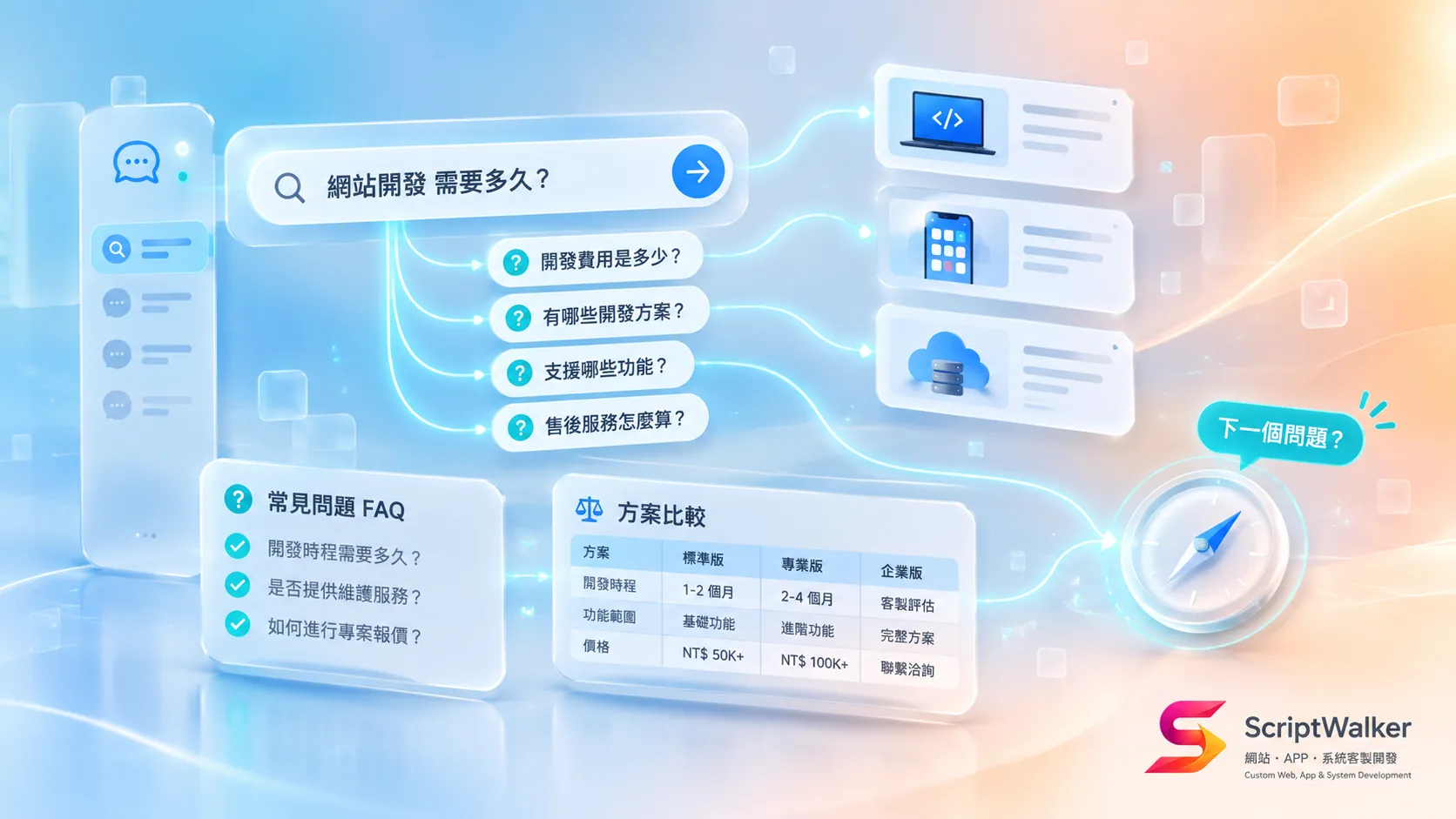
Short answer: Rewrite each service page so it answers the next question. On Nov 19 Google rolled out an AI conversation sidebar on the desktop homepage worldwide so people keep asking follow-ups, and AI Overviews already appear on 80%+ of searches. Adding answers to 5 follow-up questions, price ranges and a comparison table per page beats chasing rankings.
On November 19, Google Search VP of Product Robby Stein announced in an X post a global rollout of a collapsible sidebar on the desktop Google homepage. It lists recent AI Mode searches and lets people start a new thread, search old threads or connect a Gemini Notebook. Stein said searches are increasingly "not one and done," and that in testing the sidebar helped people keep exploring. Search Engine Roundtable noted the interface had been in limited testing for about 3 weeks since October 30. In one line: the Google homepage is turning from a single search box into a conversation history.
Why now? Google is pushing search from single queries to multi-turn conversations. In May it enlarged the search box and added AI autocomplete; on November 17 it launched temporary threads that are not saved; now past conversations sit on the homepage. Statistics cited by Search Engine Roundtable show AI Overviews on more than 80% of Google searches, and another study put click-through on AI Overviews and AI Mode at about 0.9%. People stay inside Google longer and ask more, but click out less. The sidebar's purpose is simple: bring people back to where they left off instead of typing a keyword again.
Other search entry points are shifting too. Microsoft Bing is testing a Web Mode tab with only web results, ChatGPT is testing web results ahead of its AI answer, and Google itself was seen testing removal of the AI Mode button from the search bar. Monitoring vendors are monetizing the moment: Semrush, Ahrefs, Profound and Otterly all sell AI visibility plans. The direction is clear: platforms are still experimenting with interfaces, but search as conversation is now the consensus.
What does this mean for Taiwan SMBs? Buyers will not stop at "Taipei system development"; they will ask "how much," "how long" and "how is it different from packaged software." Below: the sidebar details, actions for three types of readers, a tool comparison, hidden limits and a no-subscription follow-up map.
Event details: desktop homepage only, and Google shared no data
This is an interface change, not a ranking update; it affects how often people come back to keep asking.
- Scope: the desktop Google homepage, rolling out globally; no word on mobile.
- Features: recent AI Mode threads, new thread, search past threads, connect a Gemini Notebook, collapsible from the left edge.
- Rationale: Stein said testing showed it helped people keep exploring, but Let's Data Science notes Google published no test data.
- Related moves: temporary threads went global on 11/17; the core update that began November 10 is still rolling out, with Google saying it may take up to 2 weeks.
What three types of readers should do now: find the questions buyers ask next
No redesign needed; collect the follow-ups first, then decide which pages need content.
- Brand owners (SMB owners): pick your 3 highest-revenue services, ask AI Mode about each, follow up 5 times and note whom the answers cite.
- Marketers: filter Search Console queries containing "how much," "how long," "compare" and "recommend"; these are the prototypes of follow-ups.
- Developers: make sure FAQPage structured data on service pages is valid and that prices and timelines are in HTML text, not images.
AI visibility tool comparison: skip them below about NT$5,000 a month
These tools track how often a brand appears in AI answers, but what SMBs lack most is content, not dashboards.
| Tool | Main function | Public pricing (check official site) | Best for |
|---|---|---|---|
| Semrush AI Toolkit | Brand visibility and sentiment in AI answers | From about $99 per domain per month | Teams already on Semrush |
| Ahrefs Brand Radar | Brand mentions across AI platforms | Add-on to an Ahrefs subscription | Mid-to-large brands |
| Profound | Enterprise AI search monitoring | Several hundred dollars a month and up | Multi-brand, big budgets |
| Otterly.ai | Tracking AI answers for chosen prompts | From about $29 a month | Brands testing on a small budget |
| Search Console + manual follow-ups | Query data plus 20 manual tests a month | Free | Most Taiwan SMBs |
What they won't tell you: the sidebar keeps users, not necessarily your customers
The sidebar helps Google; it does not necessarily help site owners' traffic, and Google itself is still wavering.
- Possibly fewer clicks: when people keep asking in one thread, the more complete the answer, the less reason to visit a site.
- The interface keeps changing: the same week, Google was seen testing removal of the AI Mode button; anyone overhauling content for the sidebar today may adjust again next month.
- No results data: Google did not say how many follow-ups the sidebar drives, and monitoring tools mostly sample prompts that may not reflect your buyers.
A no-subscription alternative: one follow-up map per page
Writing 5 follow-up answers into each service page is the cheapest AI visibility investment an SMB can make.
- List follow-ups: for each page, write the 5 questions a visitor asks next, such as price, timeline, fit, differences from alternatives and what to prepare.
- Answer in structure: price ranges in a table, comparisons in an HTML table, steps as a list, with the answer in the first sentence.
- Add structured data: output FAQPage JSON-LD for the FAQ block, following Google Search Central's AI features guidance.
- Retest monthly: ask the same 20 questions in AI Mode and record whether you are cited.
Doing 10 service pages yourself takes about 20–30 hours; outsourcing the rewrite plus structured data costs about NT$20K–60K.
Frequently Asked Questions
What is the AI sidebar on Google's homepage?
A collapsible panel on the left of the desktop homepage listing recent AI Mode conversations to resume or search.
Will the sidebar reduce website traffic?
Possibly in the short term, since people keep asking inside AI Mode, but more specific follow-ups sit closer to quotes and bookings.
Should SMBs buy AI visibility monitoring tools?
Not yet; below about NT$5,000 a month, Search Console plus manual follow-up tests are enough.
How do you build a follow-up map?
For each service page, list the 5 questions a visitor asks next and answer them with FAQs, a comparison table and price ranges.
Our take: don't chase AI Mode rankings, chase the third question
Our view runs against "win the first AI Mode answer": the real SMB opportunity is the third and fourth follow-up, because by then buyers are asking about price, location and timeline, close to a decision.
Two reasons. First, the first question is usually broad, like "what is system development," where big media and encyclopedias will always beat you; the more specific the follow-up, the more it needs local, concrete detail that only an SMB site can write. Second, the sidebar lets people return the next day to keep asking, stretching the decision cycle, so sites that keep answering details get cited more. Paying for a dashboard to see whether you appear is less useful than writing the follow-up answers first.
The lesson for ScriptWalker (a Taiwan Laravel/Flutter custom development studio): package a follow-up map plus FAQ structured data plus price comparison tables as a service-page rewrite bundle covering a client's 10 core pages, and add FAQ and comparison-table components to the Laravel back office so clients can keep them updated.
Sources
- Robby Stein (Google Search VP of Product) on X: homepage sidebar global rollout (Nov 19, 2026, first-party)
- Google Search Central: AI features and your website (official docs)
- Google Search Console Help: Performance report (official docs)
- Search Engine Roundtable: Google Search Officially Rolls Out Collapsible Sidebar (Nov 19, 2026)
- Let's Data Science: Google adds collapsible AI Mode chat sidebar to homepage (Nov 19, 2026)
- Search Engine Roundtable: Over 80% of Google searches have AI Overviews
- Search Engine Roundtable: AI Overviews and AI Mode click-through study
- Search Engine Roundtable: Google tests dropping AI Mode from search bar
- Search Engine Roundtable: Bing Tests Web Mode Tab (Nov 16, 2026)