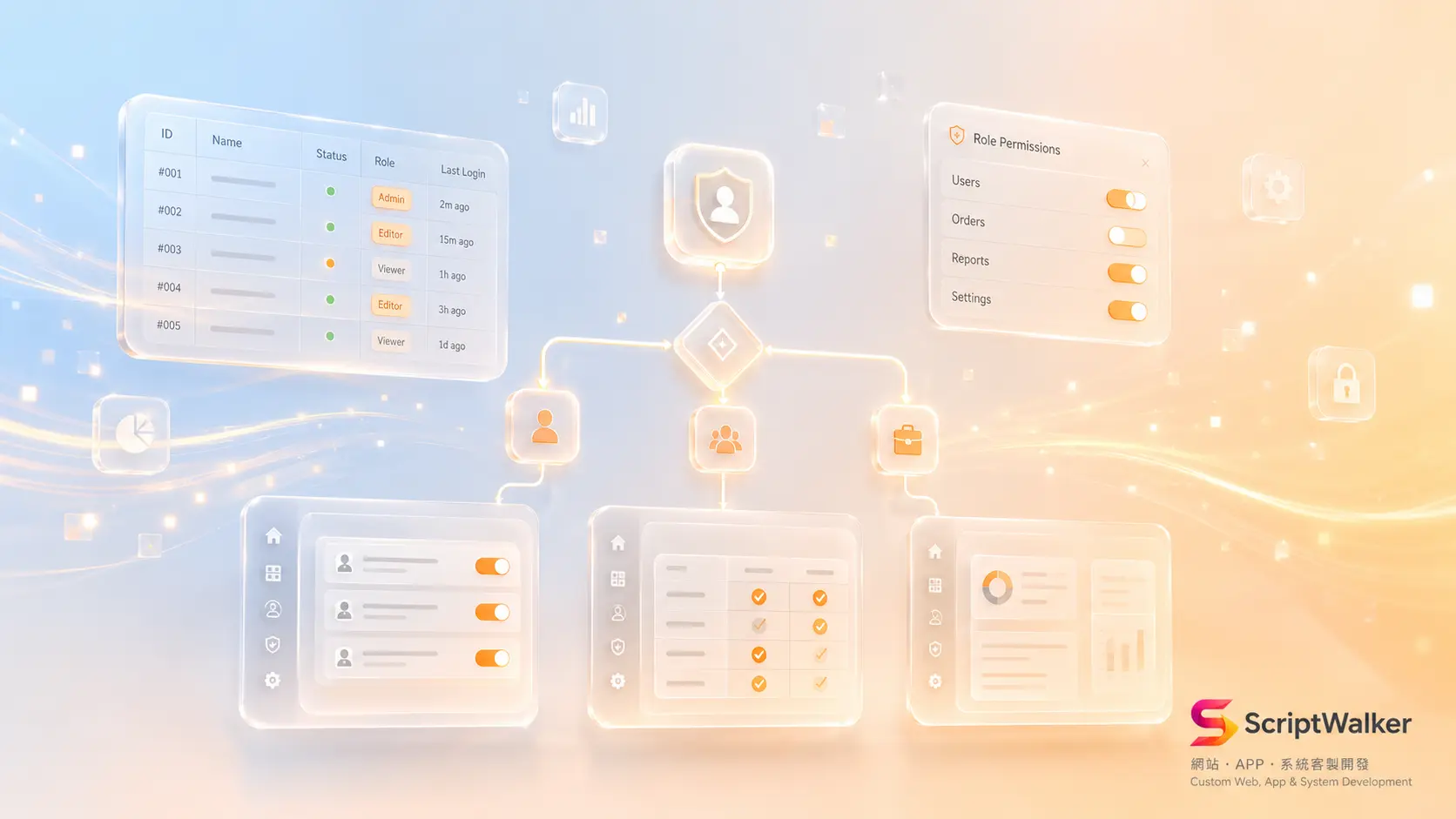
A food e-commerce brand went live six months ago. Orders grew from 20 a day to 180. The admin panel is still a single order list: refunds require an engineer to run SQL, inventory gets exported to Excel and re-imported, and a support agent checking one order waits until the next day. They burn roughly 46 hours a month moving data by hand, the equivalent of one part-time hire. The problem is not that they skipped the admin panel. It is that they built too little of it, so operations now run on the engineering calendar. Here is a decision tree for choosing between Filament, custom-built, and Retool/Airtable.
When to Build a Dedicated Admin Panel, and When Not To
Worth the investment:
- Three or more non-technical staff edit data in the system daily
- Writes trigger side effects: shipping, refunds, notification emails, invoices
- You need role separation, such as support read-only and finance refund-only
- Eight or more related tables (orders, members, inventory, logistics)
- Audit requirements demand a record of who changed what and when
Not applicable, use something else first:
- One or two users, fewer than 10 operations a week, so a database GUI like TablePlus is enough
- Early MVP where the data model changes every two weeks, because the panel will be scrapped with it
- Reporting only, no writes, so Metabase or Looker Studio ships faster
- Internal SOPs are still undecided, so write the process down first
- Budget under NT$50,000 with no maintenance line item, because nobody will maintain it
Four Options Compared
| Option | Time to live | First-year cost (20 users) | Best for | Biggest risk |
|---|---|---|---|---|
| Filament (Laravel, open source) | 3–5 weeks | NT$60,000–150,000 one-off | Existing Laravel stack, custom flows | Major version upgrades need effort |
| Custom Vue/React + API | 8–14 weeks | NT$180,000–400,000 | Panel is itself the product | Highest cost, most likely to stall |
| Retool | 1–3 weeks | From roughly NT$190,000/year | Short-term internal tools, fast validation | Per-seat pricing, logic locked to platform |
| Airtable | 2–5 days | Roughly NT$150,000/year | Small datasets, undecided process | Slows past 100k records, weak side effects |
The Filament documentation describes it as a UI framework installed into an existing Laravel project, where one install can serve multiple panels. Retool pricing and Airtable pricing (Team at US$20 per seat per month, billed annually) are both per-seat, so doubling headcount doubles the bill. If you prefer an official commercial option, Laravel Nova is US$99 per project one-off with US$79/year renewals. The difference is not feature count, it is whether the cost is one-off or permanent.
The Five-Question Decision Tree
- Q1: Is the data already in your own MySQL/PostgreSQL? No, then start on Airtable
- Q2: Is the backend Laravel? Yes, then evaluate Filament first rather than jumping to custom
- Q3: Do you need custom flows such as multi-step wizards or batch approvals? Yes, then Filament with customization or custom-built
- Q4: Will users exceed 20 or include outside vendors? Yes, then avoid per-seat SaaS
- Q5: Is the panel itself sold to customers (multi-tenant)? Yes, then build custom
Build Process: Six Stages, Four to Six Weeks
- Stage 0, data inventory (2–3 days): deliver a data dictionary and permission matrix using Notion and dbdiagram.io
- Stage 1, flow design (3–5 days): deliver Figma low-fidelity wireframes and journeys for three roles
- Stage 2, skeleton build (5–8 days): Filament Resources generate CRUD, spatie/laravel-permission creates roles
- Stage 3, customization and side effects (8–15 days): Laravel Queue handles mail and invoicing, Policies bind permissions to each action (see the Laravel authorization docs)
- Stage 4, audit and acceptance (3–5 days): activitylog records changes, Pest covers critical paths, UAT scripts let real staff run through it
- Stage 5, launch and handover (2–3 days): Loom screen recordings, Sentry error monitoring, a permission change request form
Cost Breakdown: The Items Not on the Quote
- Filament standard build, 15–20 Resources: NT$60,000–150,000, roughly 60–120 hours
- Custom SPA panel: NT$180,000–400,000, roughly 180–350 hours
- Permission matrix design and testing: 8–15 hours, the item most often left out
- Audit logging, exports, training and the operations manual: 14–28 hours
- Batch exports eat memory, so budget an extra queue worker: NT$800–1,500/month
- Major framework version upgrades: 10–20 hours a year
- Licensing: Nova from US$99, while Retool and Airtable are ongoing per-seat fees
Reality vs What Clients Expect
- Expected: CRUD is generated, so two weeks is enough. Reality: CRUD does take two weeks, but permissions and exception flows are 70% of the hours.
- Expected: Finish everything, then launch. Reality: Ship orders and members first and rank the rest by real usage, because roughly 30% of features are never used.
- Expected: Retool is cheaper. Reality: Cheaper at three users, but at twenty the second year exceeds the one-off cost of building.
- Expected: Admin panels do not need tests. Reality: One mis-clicked delete button usually costs more than a broken layout on the public site.
Six Traps and How to Avoid Them
- One shared admin account — create roles and individual accounts on day one, or the audit log means nothing
- Hard deletes with no recovery — use soft deletes plus a restore view, and limit permanent deletion to managers
- List pages that fetch the whole table — add pagination, indexes and eager loading, then load-test with 100,000 fake rows
- Mail and invoicing running synchronously in the controller — move them to a Queue to avoid timeouts and duplicate sends
- No activity log, so incidents cannot be traced — add activitylog covering amount, status and permission changes at minimum
- Only engineers can use it — run acceptance with real support and warehouse staff, and log every point where they get stuck
Success Metrics and the 90-Day Roadmap
- Day 30: daily active panel users, handling time per order, and the number of times an engineer is pulled in to run SQL (target zero)
- Day 60: retire pages used by under 5% of sessions, and add the batch actions people repeat manually
- Day 90: compare manual hours before and after (target 40% saved), audit log completeness, and panel error rate under 0.5%
Decision Checklist
- ☐ Three or more non-technical staff edit data daily
- ☐ Daily operations depend on an engineer running SQL
- ☐ More than eight related tables
- ☐ At least three permission roles needed
- ☐ Writes trigger shipping, refunds or invoicing
- ☐ Audit or contract terms require activity records
- ☐ The backend is already Laravel
- ☐ Users may exceed 20 within a year
- ☐ The data model has been stable for three months
- ☐ At least NT$30,000/year is budgeted for maintenance
- ☐ An internal owner handles acceptance and training
- ☐ The panel is not sold to external customers
Eight or more: build it, Filament first. Four to seven: run Retool for three months. Three or fewer: stay on Airtable.
FAQ
Is Filament hard to learn if the team has never used Livewire?
An engineer who has written Laravel can ship a usable Resource in two or three days. The real barrier is custom components, which need some Livewire and Alpine.js familiarity. If the team has no Laravel background, that advantage disappears and you should evaluate custom or Retool instead.
Can we validate on Retool and migrate to a self-built panel later?
Yes, and it is a path we often recommend. The condition is that data stays in your own database and business logic lives in the backend API rather than the Retool canvas, otherwise migration means rebuilding.
Does an admin panel need a mobile version?
Usually not fully responsive, but looking up one record and changing its status is worth making usable on a phone, because owners and field staff do those two things on mobile most often.
We have an old panel already. Rewrite or keep patching?
Measure two numbers: monthly maintenance hours, and the average days to add one field. If adding a field takes more than three days and maintenance exceeds 15 hours a month, a rewrite usually pays back within eight months.
Next Step
ScriptWalker offers an Admin Panel Build service from NT$60,000 (Filament standard, including the permission matrix and operations manual), with fully custom builds from NT$180,000. We also run a free 60-minute admin panel audit that walks the decision tree above and produces a draft data dictionary.
- Email: [email protected]
- Phone: 0916-224-047
- LINE: @ufv9089p