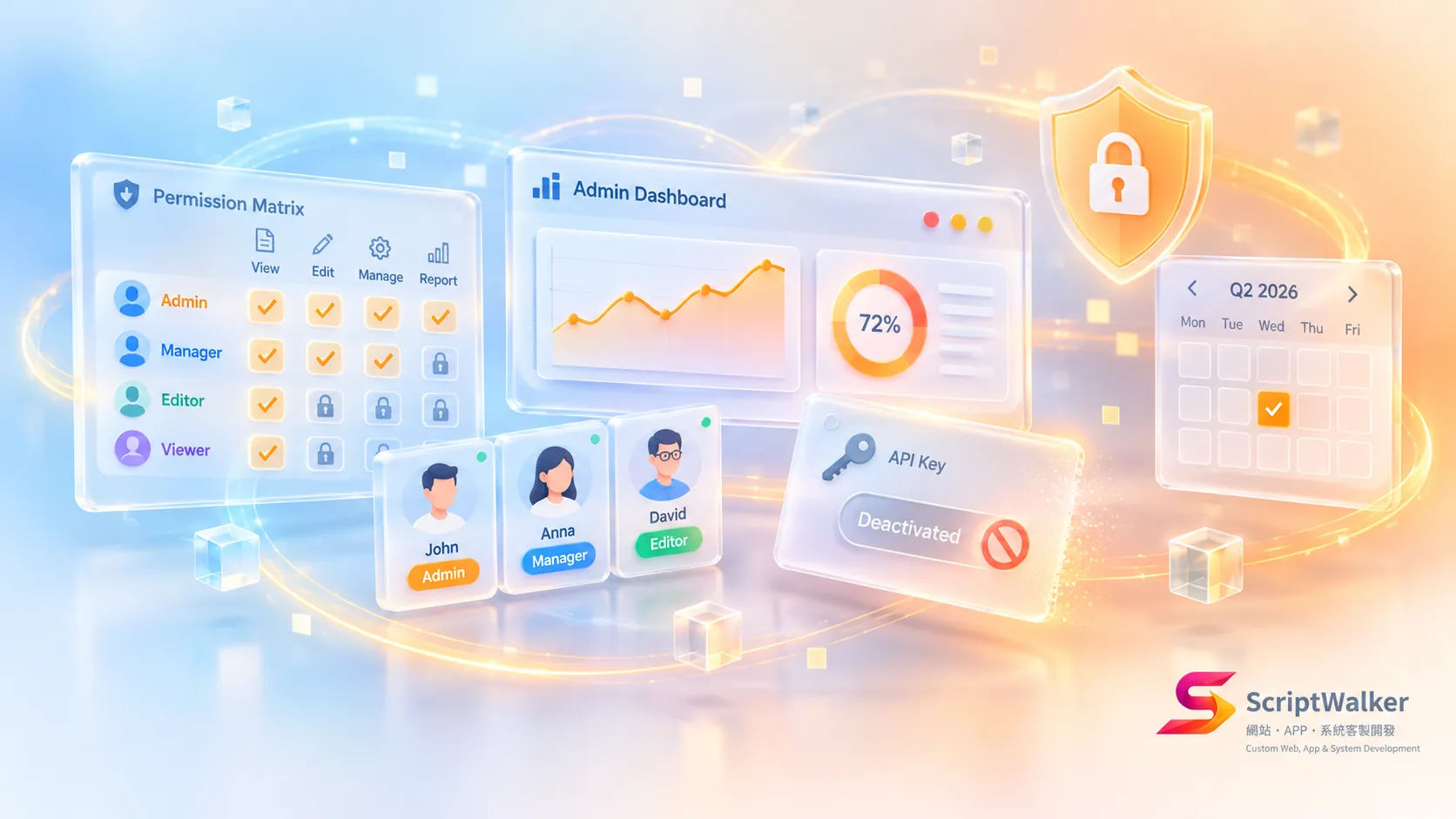
Short answer: Not in the systems we build. Before coding any back office, ScriptWalker defines 4–6 roles and a permission matrix, enforces permissions in back-end code rather than hidden buttons, revokes access within 1 hour of departure and reviews access quarterly. This takes about 5–10% of development hours.
The problem: with only an “admin” role, you can't tell who did what
Without role design, the main risk is internal, not hackers. Take the order back office of a 60-person distributor (an anonymized scenario based on typical takeovers): 14 of 22 accounts were admins, sales could see purchase costs, and 3 departed employees could still log in, one of whom downloaded the customer list five months after leaving. OWASP Top 10 ranks broken access control first precisely because it's so common.
Our practice: interview for a permission matrix, then enforce it in code
In one line: roles follow business processes, the back end enforces permissions, and the system keeps records automatically. The flow:
Interviews → permission matrix → client sign-off → Laravel Policies → automated tests → activity logs → offboarding → quarterly review
Why we do it: hiding a button isn't a permission
If you only hide buttons, anyone with a little technical skill can call the URL or API directly, so checks must happen on the back end. Our three trade-offs:
- No more than 6 roles: with too many, clients can't manage them and end up making everyone admin.
- Permissions per action: “see cost price,” “delete order,” “export list,” rather than per page, so sensitive fields don't hide inside a page.
- Log every sensitive action: exports, deletions and price changes record who, when and what, so incidents can be traced.
How we execute: 5 steps with real settings
Every project follows the same steps with the same tools, so newcomers don't relearn anything.
- Step 1 | Interviews: list every feature and action in a Notion table and ask who needs it and who shouldn't see it.
- Step 2 | Permission matrix: compile the table below; work starts only after the client contact signs off.
- Step 3 | Implementation: Laravel Gates and Policies with spatie/laravel-permission for roles and spatie/laravel-activitylog for sensitive actions.
- Step 4 | Tests: Pest tests for what each role must not be able to do, run on every push in GitHub Actions.
- Step 5 | Revocation and review: one-click disable with forced logout; each quarter we export the account list for the client to confirm.
| Action | Owner | Sales manager | Sales | Accounting | Warehouse |
|---|---|---|---|---|---|
| See cost price | ✓ | ✓ | — | ✓ | — |
| Create order | ✓ | ✓ | ✓ | — | — |
| Delete order | ✓ | ✓ | — | — | — |
| Export customer list | ✓ | — | — | — | — |
| Confirm shipment | ✓ | — | — | — | ✓ |
Our test file naming looks like this:
tests/Feature/Permissions/
  SalesCannotSeeCostPriceTest.php
  SalesCannotDeleteOrderTest.php
  WarehouseCannotExportCustomersTest.php
  DisabledUserIsLoggedOutTest.php
What it costs: more time upfront and more decisions for clients
- Interviews and matrix sign-off add about 2–4 working days.
- Per-role tests add about 5–10% of development hours.
- Clients must name a permissions owner and remember to report departures and transfers.
- The finer the permissions, the more settings to remember when adding features.
Where it doesn't fit: one-person companies and short-lived campaign sites
- A back office used only by the owner needs 2 roles, not a full matrix.
- A campaign site retired within 3 months isn't worth quarterly reviews.
- Companies with enterprise single sign-on managed by IT should rely on that identity system.
Why clients should care: permissions set the blast radius of an incident
With good roles, a stolen account or a departure only affects what that role can do. Under Taiwan's Personal Data Protection Act, companies must safeguard customer data; access controls and activity logs let you show what protections were in place.
If you want to do this too: 4 tips for other teams
- Write “must not” tests first; they catch more holes than “can do” tests.
- Put the permission matrix in the handover documents so successors understand it at a glance.
- Revocation must include forced logout and API token invalidation, not just a password change.
- For quarterly reviews, have clients tick an exported list line by line; it beats verbal confirmation.
Where we've used it: a distributor back office rebuild
For the 60-person distributor above, admins dropped from 14 to 2 after the rebuild, 5 roles went live and 3 departed accounts were disabled the same day. The first quarterly review found 2 more accounts that kept permissions after transfers. This is now standard on every back-office project at ScriptWalker (a Taiwan-based Laravel/Flutter custom development studio), where custom development starts at NT$80,000.
FAQ
We have only 15 people. Do we need roles?
Yes, but 3 roles are enough. At minimum, separate who can see costs, delete data and change settings.
How much does permission design add to the cost?
Usually 5–10% more hours. Compared with retrofitting later or handling a data leak, doing it upfront is cheapest.
Do we revoke departed staff ourselves?
You can disable accounts yourself or connect your HR system to do it automatically. We recommend one named owner who acts on the last day.
Can roles be added to an older system?
Yes, after inventorying current accounts and features. Most mid-sized back offices take about 2–4 weeks.
Next step: check your back-office permissions, or join us
Want to know how many admins your back office has and whether departed accounts are disabled? Ask us for a permissions check. If you're an engineer who cares about details like these, we'd also like to hear from you:
- Email: [email protected]
- Phone: 0916-224-047
- LINE: @ufv9089p