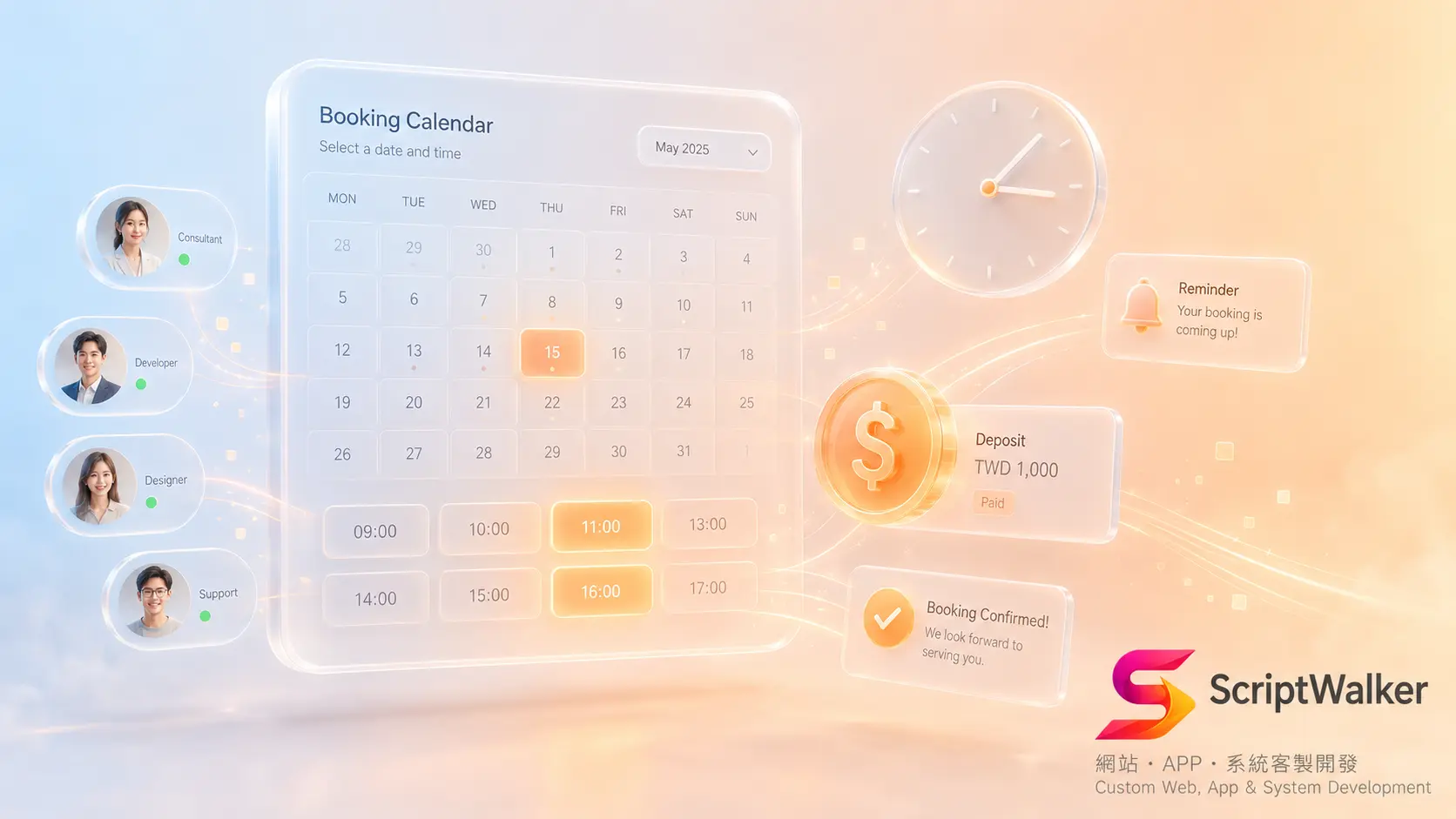
A beauty studio with three stylists spends an hour a day just answering LINE messages to book, reschedule, and remind clients. At month-end, no-shows run about 15% — several slots wasted every week. What the owner wants is simple: an online booking system that lets clients pick their own time, sends automatic reminders, and can collect a deposit up front. This piece lays out how to build an appointment/booking website — from tech choices and workflow to real cost and the first 90 days.
When It Fits vs When It Doesn't
A booking website fits when:
- Your service has fixed slots and staff/resource limits: clinics, salons, pet grooming, personal trainers, counseling, auto service.
- No-shows cause real losses and you need deposits or reminders.
- You want to cut manual scheduling and keep booking data in your own hands (not locked in a third-party platform).
- You need to integrate your own membership, payments, LINE, or existing CRM.
It does not fit, or hold off, when:
- You get single-digit bookings a day and clients prefer phone: a Google Form or off-the-shelf tool may be enough.
- Your service has no fixed slots (pure project/quote work); booking is not the core pain.
- You have not defined "how much staff/equipment one slot consumes" — unclear rules mean the system cannot be built.
Alternatives Matrix
| Option | Pros | Cons | Cost tier |
|---|---|---|---|
| SaaS booking tools (Calendly, SimplyBook.me) | Live in days, no dev, built-in reminders | Recurring monthly fees, limited branding/customization, data on the platform | Low: ~US$10-50/mo+ |
| Platform plugin (WordPress + booking plugin) | Cheap, mature ecosystem | Performance/security depend on plugin quality; complex scheduling stalls | Medium: NT$30,000-80,000 + plugin fees |
| Custom build (Laravel + own payments/LINE) | Fully custom scheduling rules, branding, integrations; you own the data | Higher build cost, needs maintenance | High: from NT$120,000, depending on complexity |
Full Workflow
A custom booking site typically runs in five phases:
- Phase 1 · Requirements & scheduling rules (3-5 days): nail slot length, staff/equipment limits, buffer time, cancellation policy. Deliverables: booking-rules doc, wireframes (Figma).
- Phase 2 · Design (5-7 days): booking-flow UI, mobile-first layout. Deliverable: high-fidelity Figma.
- Phase 3 · Development (3-5 weeks): booking engine, admin scheduling, deposit payments, reminders. Stack: Laravel, MySQL, Google Calendar API sync, LINE Messaging API reminders. Deliverable: test environment.
- Phase 4 · Testing & payment integration (1 week): time zones, concurrent bookings, double-booking guards, deposit flow. Deliverable: test report.
- Phase 5 · Launch & training (2-3 days): go live, admin training, handover docs.
Real Cost Breakdown
- Development: custom booking site from NT$120,000; with payments/LINE reminders often NT$180,000-300,000.
- Payment fees (hidden): deposits by credit card run ECPay ~2.75%-3% per transaction — an ongoing cost.
- SMS reminders (hidden): ~NT$1-2 per SMS; LINE official account push depends on your plan's message volume.
- SSL/domain: SSL free via Let's Encrypt; domain ~NT$500-800/yr.
- Hosting: a small booking site runs ~NT$500-1,500/mo on cloud hosting.
- Maintenance (hidden): post-launch schedule tweaks, updates, backups — budget 10-20% of build cost per year.
Reality vs What Clients Imagine
- Clients imagine: just a calendar to pick a time. Reality: the hard part is scheduling rules — multiple staff, resources, buffers, lunch breaks, back-to-back bookings — which eat most of the hours.
- Clients imagine: no-shows vanish once it is live. Reality: the system only provides tools (deposit + reminders); actually cutting no-shows relies on policy design and enforcement.
- Clients imagine: they can change slot rules themselves with a click. Reality: basic slots are self-serve, but "new scheduling logic" usually needs dev changes — so discuss admin flexibility during planning.
Common Pitfalls & How to Avoid Them
- Concurrent double-booking: two people grab the same slot. Fix: use DB locks/unique constraints on the backend, not just front-end checks.
- Time zones & DST: cross-region clients see wrong times. Fix: store UTC on the backend, convert to the user's time zone on the front end.
- Forgetting cancel/reschedule flows: only "book," no "change/refund," and support explodes. Fix: build cancellation policy and deposit-refund rules in during planning.
- Reminders without a loop: a reminder is sent but you cannot confirm or reschedule in one tap. Fix: put confirm/reschedule links in the reminder to cut no-shows.
- Locking data into a third party: all-SaaS, and later you cannot take your client list. Fix: store core bookings and client data in your own database.
Success Metrics + First 90 Days
- Day 30: track online-booking share, whether admin time dropped, and system stability with no double-bookings.
- Day 60: track no-show rate change (vs pre-launch), deposit collection rate, reminder click-through.
- Day 90: track overall scheduling-labor savings and repeat-visit rate, and optimize slot settings and reminder timing from the data.
Decision Checklist
- ☐ Does my service have fixed slots and staff/equipment limits?
- ☐ Do no-shows cause me real financial loss?
- ☐ Do I need to collect a deposit up front?
- ☐ Do I want to keep client data in my own hands?
- ☐ Do I need to integrate LINE, membership, or an existing CRM?
- ☐ Have I defined scheduling rules (buffers, back-to-back, lunch breaks)?
- ☐ Is my daily booking volume enough to justify a custom build?
- ☐ Have I set aside a post-launch maintenance budget?
FAQ
How long and how much for an online booking site?
Custom with payments and reminders is typically 5-8 weeks and NT$180,000-300,000. If needs are simple and you accept branding/customization limits, a SaaS monthly tool can go live in days; move to custom later if needed.
SaaS tool or custom build?
Small volume, simple rules, and data-on-platform acceptable: SaaS. Complex scheduling, brand consistency, own membership/payments, and data ownership: custom. Most shops can validate with SaaS first, then upgrade.
Can online booking really cut no-shows?
Yes, but through deposit + automated reminders with confirm/reschedule links + a clear cancellation policy together — not the system alone. The tools and the policy both need to be in place.
Is clients' booking data safe?
A custom build stores data in your own database; with HTTPS, access control, and regular backups you stay in control. With SaaS, data is on the platform — confirm export and deletion rights before signing.
Call to Action
Not sure whether your shop needs SaaS or a custom booking system? We offer a free consultation to work out your scheduling rules and costs before you decide.
- Email: [email protected]
- Phone: 0916-224-047
- LINE: @ufv9089p