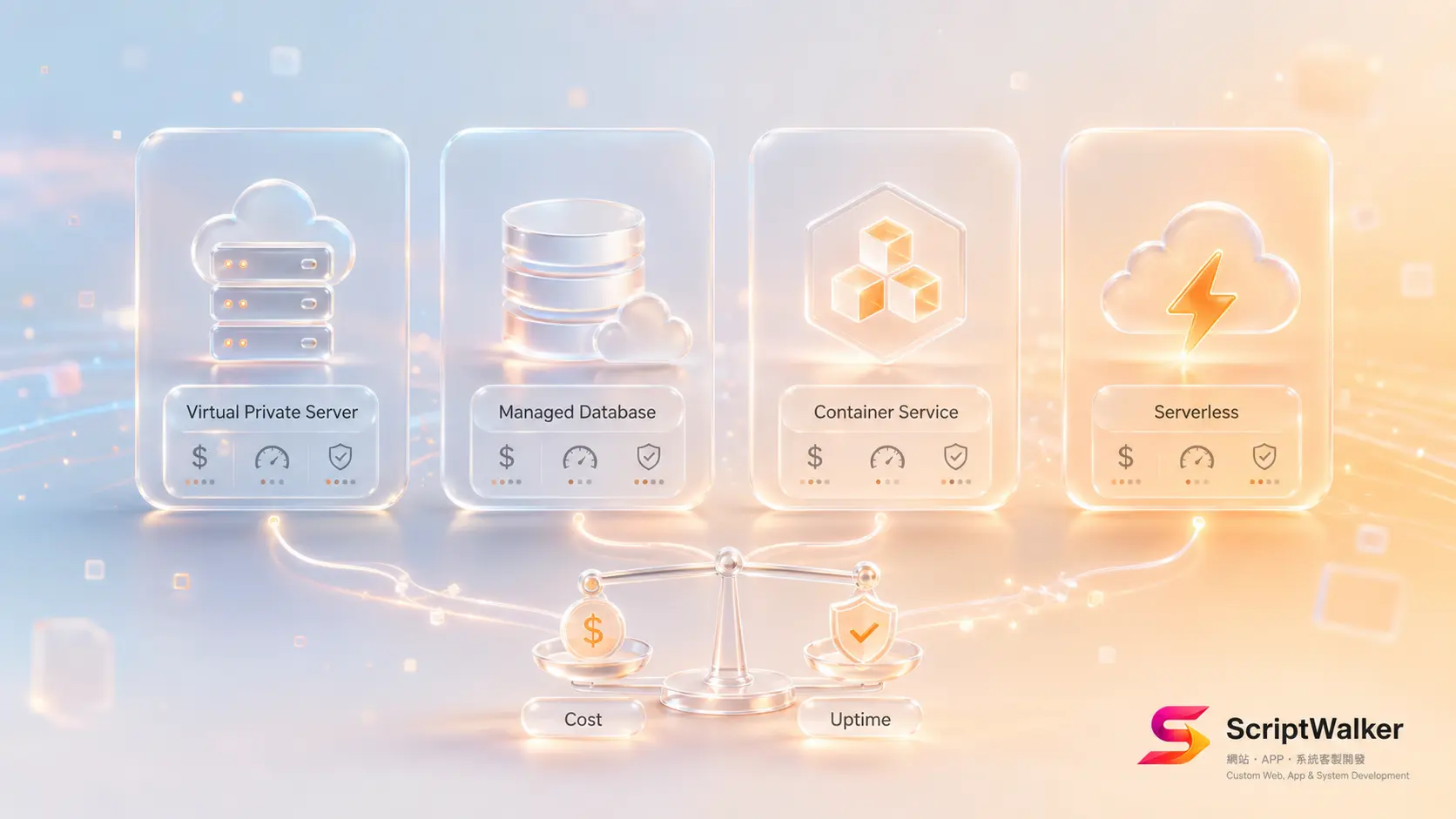
An export-oriented SME owner asked us: "My site charges monthly hosting — should I rent cheap shared hosting or run my own server?" He had two quotes — NT$150/month shared hosting and NT$4,000/month cloud — nearly 27x apart. The question isn't which is cheaper, but which has the lowest total cost at your stage without breaking at 2 a.m. with nobody to fix it. This lays out the real costs and a decision tree for four paths: shared hosting, VPS, cloud (IaaS/PaaS), and serverless.
When It Fits vs When It Doesn't
Worth evaluating self-managed/cloud when:
- Traffic spikes or has clear peaks (campaigns, e-commerce sales, registration openings).
- You need background jobs, queues, schedulers, or your own API backend.
- You have data-residency, compliance, or performance requirements (LCP and other Core Web Vitals).
Not needed — shared hosting suffices when:
- It's a brochure site, blog or campaign page with steady traffic and infrequent updates.
- You have no engineering resource and won't outsource ops.
- Budget is tight and you can accept occasional slowness and weaker isolation.
Alternatives Matrix
| Option | Pros | Cons | Monthly cost (approx) |
|---|---|---|---|
| Shared hosting (cPanel-style) | Cheapest, no ops, out-of-the-box | Shared resources, weak isolation, hard to scale | NT$100–500 |
| VPS (self-managed, e.g. Linode/DigitalOcean) | Cheap, full control, can run a backend | You handle security, updates, backups | NT$300–3,000 |
| Cloud PaaS (e.g. Vercel/Render/Forge-managed) | Fast deploy, autoscaling, low ops burden | Unit price rises at scale, vendor lock-in | NT$0–8,000+ |
| Serverless (e.g. Cloud Functions) | Free when idle, autoscales at peak | Cold starts, harder debugging, cost hard to predict | Usage-based (low to high) |
Full Process Breakdown (Tools + Deliverables)
We split select-host-to-launch into four stages, usually 5–10 working days:
- Stage 1 · Requirements (1–2 days): estimate traffic, peak multiples, background-job needs, compliance. Deliverable: requirements sheet (Notion) + load estimate.
- Stage 2 · Architecture & selection (1–2 days): choose option, CDN (Cloudflare), backup and monitoring strategy. Deliverable: architecture diagram (Figma/Excalidraw).
- Stage 3 · Deploy & harden (2–4 days): deploy via Laravel Forge or Docker, set SSL, firewall, auto-backup, UptimeRobot monitoring. Deliverable: launchable environment + deployment docs.
- Stage 4 · Load test & handover (1–2 days): load testing, performance tuning, rollback drill. Deliverable: load-test report + ops manual.
Full Real-Cost Breakdown
Monthly hosting is the tip of the iceberg. For a mid VPS plan, real annual cost often includes: the VPS itself (~NT$1,500/month), SSL (Let's Encrypt free, but EV/wildcard ~NT$3,000–15,000/year), CDN and WAF (Cloudflare free tier, Pro ~US$20/month), off-site backup storage (~NT$100–500/month), monitoring (UptimeRobot free tier), and the priciest — ops labor: updates, patching, alerts; outsourced retainer ~NT$6,000–15,000/month. Many only compare NT$150 vs NT$4,000 and forget the hidden cost of no-one-doing-ops — often one outage's worth of lost orders.
Implementation Reality vs Client Imagination
- Clients think "cloud means it never goes down"; in reality cloud just moves the responsibility boundary — misconfigure it and it still crashes, and the bill can explode.
- Clients think "serverless is cheapest"; in reality it saves at low traffic, but once crawled or campaign-slammed, usage billing can exceed a fixed VPS.
- Clients think "shared hosting can run my system"; in reality when you need queues, long connections or custom packages, shared hosting often can't.
Common Pitfalls x How to Avoid
- No off-site backup: relying only on host snapshots means losing everything if the host fails. Fix: keep at least one backup with a different provider.
- SSL expiry forgotten: an expired cert red-flags the whole site. Fix: auto-renew (Let's Encrypt + scheduler) plus expiry alerts.
- No monitoring: clients find outages before you do. Fix: UptimeRobot/Better Stack health checks and alerts.
- Vendor lock-in: overusing one cloud's proprietary services makes leaving expensive. Fix: keep the core portable and containerized.
- No rollback: one failed deploy causes panic. Fix: blue-green deploys or keep the prior version for one-click rollback.
Success Metrics + 90-Day Roadmap
- Day 30: uptime ≥ 99.9%, verify backups restore, LCP < 2.5s.
- Day 60: right-size to real traffic (scale down or up), review monthly bill for abnormal spikes.
- Day 90: run a failure + rollback drill, document ops SOP, decide to keep or optimize the architecture.
Decision Checklist
- ☐ Does my site have clear traffic peaks?
- ☐ Do I need background jobs/queues/my own API?
- ☐ Do I have engineering resource or willingness to outsource ops?
- ☐ Do I have data-residency or compliance needs?
- ☐ Can I accept occasional slowness (shared hosting)?
- ☐ Do I have an off-site backup plan?
- ☐ Have I set monitoring and alerts?
- ☐ Do I know who owns an outage and the response time?
- ☐ Have I estimated the bill ceiling under a traffic surge?
- ☐ Do I have rollback and failure-drill mechanisms?
FAQ
I just have a brochure site — do I need cloud?
Usually not. A steady, infrequently-updated brochure site is fine on shared hosting or static hosting (with Cloudflare CDN) at lower cost. Upgrade when you add background jobs, payments, memberships or clear peaks.
What's the difference between shared hosting and a VPS?
Shared hosting shares one machine among many sites — cheap but weak isolation and hard to customize; a VPS gives you an isolated virtual machine with full control and a backend, but you handle security, updates and backups, or outsource ops.
Is serverless really cheaper?
At low, intermittent traffic yes — idle is free; but at high frequency or under a surge, usage billing can exceed a fixed VPS, plus cold starts and harder debugging. Estimate peak usage first.
When a site goes down, how fast can it recover?
It depends on monitoring, backups and rollback. A well-run site can usually roll back within tens of minutes; without them it can take hours and may lose data.
Call to Action
Unsure which path fits? ScriptWalker offers Hosting Setup & Deployment (from NT$12,000) and a Cloud Ops monthly plan (from NT$6,000/month, incl. monitoring, backups, updates and incident response). To talk through your traffic and budget, book a free 30-minute consult:
- Email: [email protected]
- Phone: 0916-224-047
- LINE: @ufv9089p