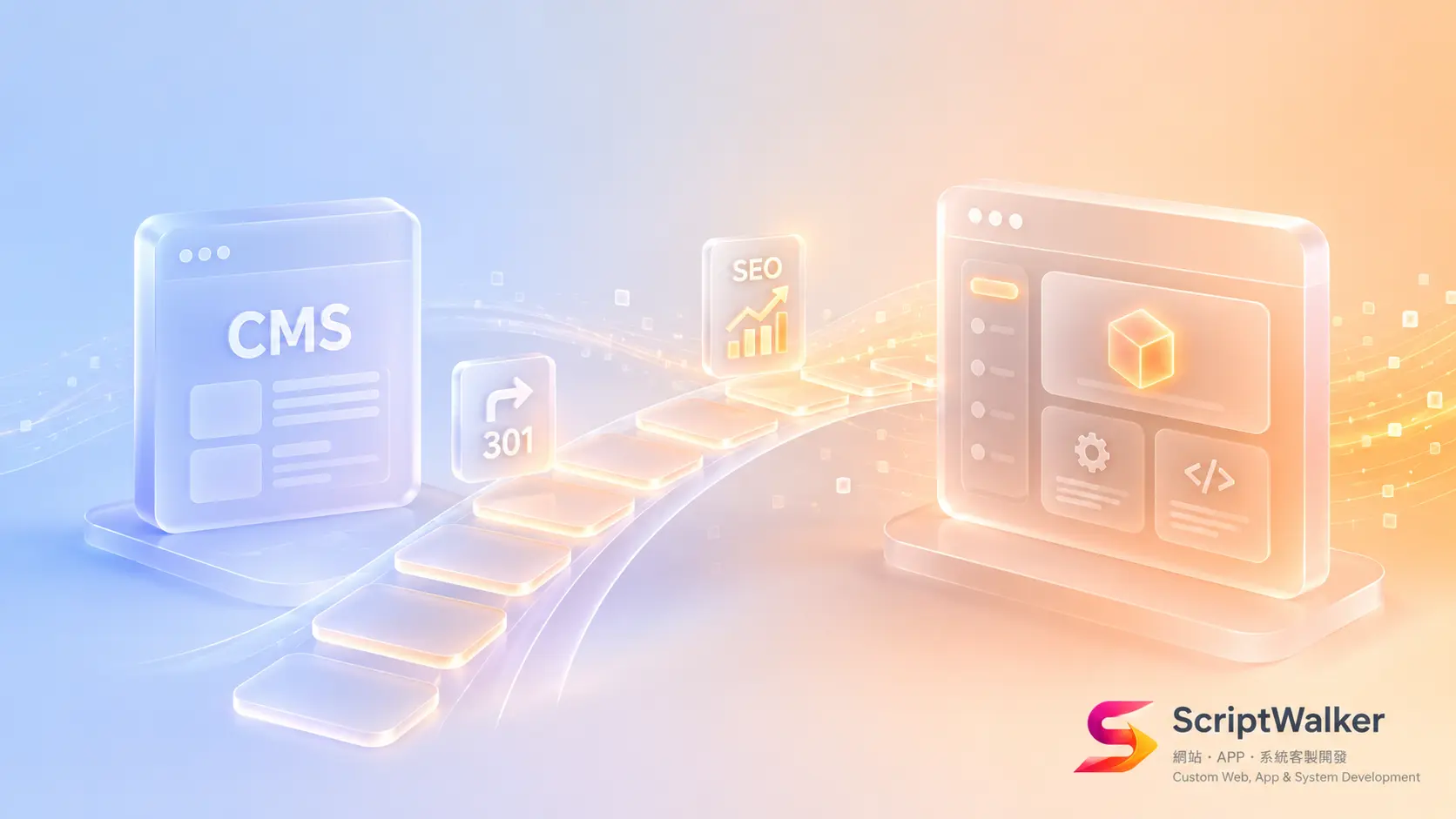
"Our WordPress just got another core vulnerability — this one actively exploited. Do we keep patching, or just migrate off?" That was a real question this week from the owner of an 80-person trading company. His site was built for NT$120,000 five years ago, propped up by a dozen-plus plugins, with nobody maintaining it regularly. This isn't only a security problem — it's a "patch vs migrate" business decision. Here's an outsourcer's framework to decide, plus a 30/60/90-day safe-migration playbook that doesn't drop your SEO or GEO.
Industry Myths, Busted
- Myth 1: "A vulnerability means switch platforms immediately." Truth: most vulnerabilities just need an update; switching is a big project. The signal to switch is "runaway maintenance cost + customisation blocked everywhere," not a single CVE.
- Myth 2: "A custom system is automatically safer than WordPress." Truth: security depends on whether anyone maintains it, not the technology. An unwatched custom system rots too.
- Myth 3: "Migrating always loses SEO." Truth: rank drops almost always come from botched 301 redirects and URL mapping — a controllable engineering problem, not fate.
Core Decision Framework: Patch vs Migrate
Score four questions (0–2 each; higher total leans toward migrate):
- Maintenance pain: how much time per year goes to plugin conflicts and emergency patches?
- Customisation limits: how often is the feature you want blocked by "the plugin can't do it"?
- Security exposure: do you have many low-maintenance plugins and no monitoring?
- Growth needs: over the next 2 years, must you integrate ERP/App/automation the current stack can't support?
Total 0–3: patch and build a maintenance routine. 4–5: plan a gradual 6–12 month migration. 6–8: the core system is already a bottleneck — worth rebuilding.
Three Typical Scenarios
- 10-person service firm, brochure site: patch + a maintenance retainer; don't overreact to one vulnerability.
- 80-person trader, site must connect quoting and ERP: score lands 4–5 — custom-build the "quote/membership" core first while keeping content on WordPress, a hybrid transition.
- 200-person retailer, e-commerce + membership + multi-site: score 6+ — the plugin stack is a stability and security risk; plan a full rebuild.
Hidden Cost Checklist
"Keep patching" looks cheap, but over three years it often isn't. Hidden costs include: response hours per emergency (NT$5,000–20,000 each), plugin licence renewals, downtime losses from plugin conflicts, clean-up and rebuild after a breach (can top NT$50,000), and the handover cost when "the one person who understood the site" leaves. By contrast, "migrate" has a higher one-time cost (from NT$150,000) but, spread across three years of maintenance and risk, is often cheaper for high-interaction sites. The point: compare the three-year total, not today's quote.
KPI Scorecard for Evaluating a Migration Partner
- ☐ Do they ask about "your URL structure and traffic sources" before quoting?
- ☐ Are 301 redirects and URL mapping listed as deliverables?
- ☐ Do they provide a pre/post SEO/GEO monitoring plan?
- ☐ Do they keep the old site until the new one is stable?
- ☐ Do they hand over source code and full documentation?
- ☐ Is there a clear data backup and rollback plan?
- ☐ Do they plan a phased launch rather than one big switch?
- ☐ Does it include 30/60/90-day post-launch care?
ScriptWalker's Options + When We Decline
We offer a "safe migration project" (Laravel custom + 301 mapping + SEO/GEO protection, from NT$150,000) and a "website security care" retainer. But we decline three situations: a small brochure site that just wants to save money with no growth need (patching is cheaper — we'll say so); a client with unsettled process rules who wants to change as they go (scope will blow up); and a rush job demanding "migrate in a week, skip the redirect plan" (that's gambling with your rankings).
30/60/90-Day Safe-Migration Playbook
- Days 0–30: stop the bleeding (update/isolate the current WordPress), inventory every URL and traffic source, build full backups, and prototype core features in the new environment.
- Days 31–60: develop the new site in parallel, build a page-by-page 301 map, complete content migration and QA in staging; the old site keeps running.
- Days 61–90: switch over in batches, submit the new sitemap, closely monitor indexing and rankings in Search Console; retire the old site only once stable, keeping a backup.
Decision Checklist
- ☐ Does the current site need ≥3 emergency patches per year?
- ☐ Do you run >10 low-maintenance plugins?
- ☐ Are desired features often blocked by plugin limits?
- ☐ Must you integrate ERP/App/automation in the next 2 years?
- ☐ Have you computed the three-year total of patch vs migrate?
- ☐ Do you have a full, restorable backup?
- ☐ Do you know all your URLs and traffic sources?
- ☐ Does the partner list 301 and SEO monitoring as deliverables?
- ☐ Will you accept a phased rather than one-shot switch?
- ☐ Is there someone to care for it after launch?
FAQ
With a core vulnerability, must I migrate off WordPress?
Not necessarily. Usually "update to the patched version + build a maintenance routine" is enough. Consider migrating when maintenance cost is out of control, customisation is blocked everywhere, or the current stack can't support the systems you need to integrate — score the four-question framework first.
Will migrating wipe out my Google rankings?
As long as you do page-by-page 301 redirects, preserve URL mapping, submit a new sitemap and monitor Search Console, rank fluctuation is usually short and controllable. Rank loss almost always comes from skipping the redirect plan, not from migrating itself.
Should the old site go offline during migration?
No. Keep the old site running while the new one is developed and QA'd in parallel; switch in batches and retire the old site only after the new one is stable, keeping a backup — zero downtime throughout.
How long and how much?
A safe SMB migration usually takes 60–90 days and starts around NT$150,000 depending on feature complexity. What really drives cost is the amount of custom features and content, not the act of "migrating."
Call to Action
Not sure whether your site should be patched or migrated? ScriptWalker offers a free 30-minute assessment using the four-question patch-vs-migrate framework and a three-year total estimate. Get in touch:
- Email: [email protected]
- Phone: 0916-224-047
- LINE: @ufv9089p