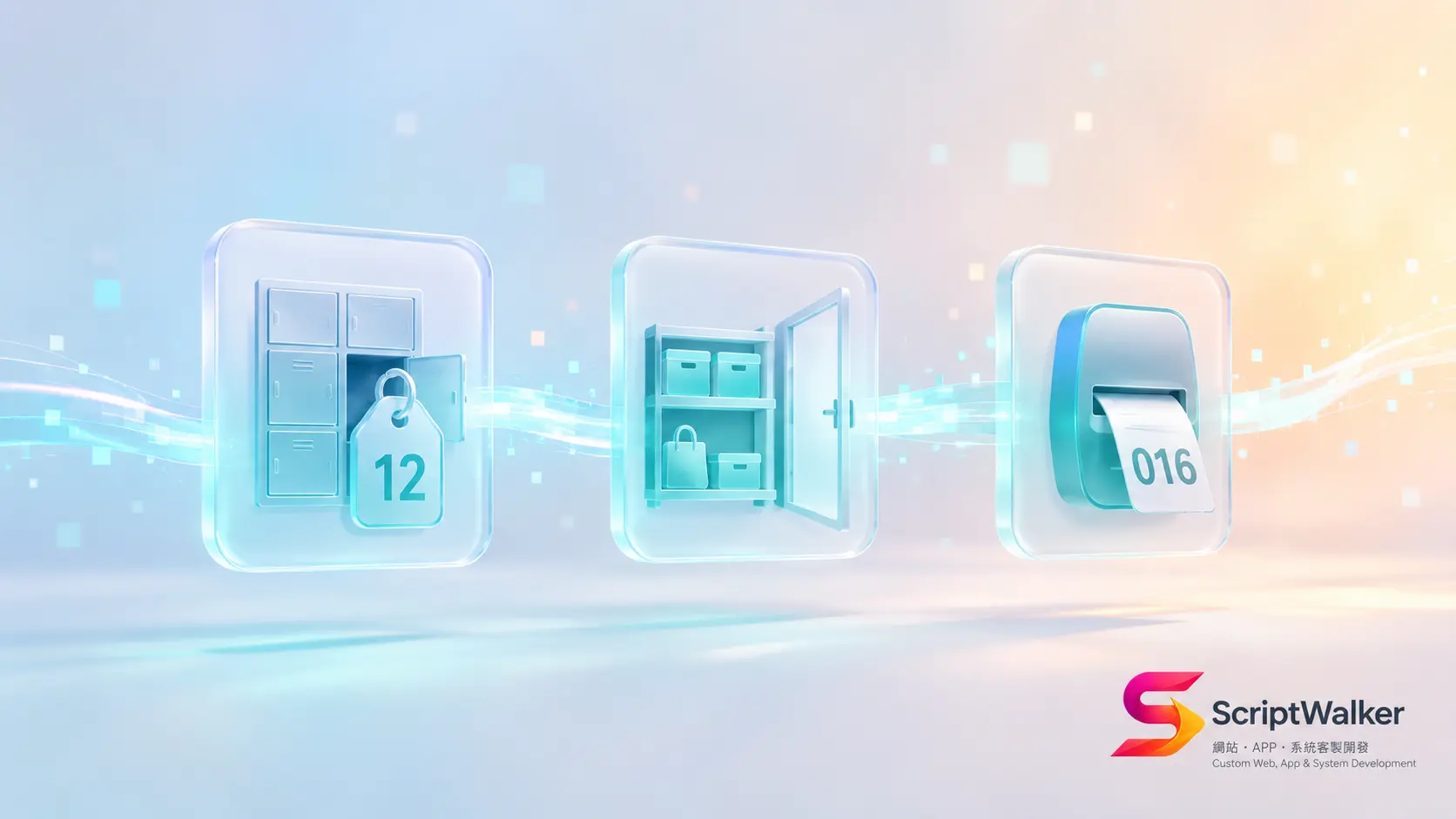
An owner sees three terms on a quote: "store Session in Redis, add a Cache layer, introduce a Queue" — a not-small line item — but is afraid to ask "what is this and why does it cost money?" These three words often appear together because they jointly decide one thing: when your website gets busy, is it fast and stable, or slow and crashing? This piece explains Session, Cache and Queue at once, using a locker tag, a convenience store and a restaurant waitlist.
Session: The Server's Short-Term Memory of "Who You Are"
In one line: a Session is the server temporarily remembering "who you are and what you just did."
Analogy: a hotel locker tag. You store something and get a numbered tag; show the tag and the desk knows which locker is yours — no need to re-state your name each time. A Session is that tag: you log in once, the server issues you an ID, and every page after that recognizes you.
Real example: a cram-school parent logs into the portal to see their child's grades and doesn't re-enter credentials on every page — that's the Session. And where the Session "lives" matters: stored on one server's disk, once you scale to multiple servers (load balancing) a parent might log in on server A, get routed to server B, and be logged out. Centralize sessions in something like Redis so multiple machines share the same "tag."
Cache: Pre-Compute Common Results and Keep Them Handy
In one line: a Cache pre-computes frequently requested results and keeps them somewhere fast, serving them next time without recomputing.
Analogy: a convenience store puts best-sellers by the door. Staff know everyone buys the same coffee, so they place it within easy reach instead of running to the back stockroom each time. A Cache is your site's "front shelf" for popular pages or query results.
Real example: if a restaurant site's menu page hits the database every single time, every customer lags at peak; cache the menu result and everyone after the second gets it near-instantly. Caching directly affects page load speed (LCP) and server load — the same machine suddenly serves many more people. The cost: "remember to clear the cache after data changes," or customers see a stale menu.
Queue: Line Up Non-Urgent Work for Later
In one line: a Queue lines up work that "doesn't need to finish immediately" so the system processes it in the background later.
Analogy: a restaurant waitlist buzzer. Guests take a number and wait aside; the restaurant calls numbers in order instead of jamming everyone at the door. A Queue takes a number for each job and processes them in order in the background, without blocking the front desk.
Real example: after an e-commerce customer places an order, an "order confirmation email" must be sent; making the customer stare at the checkout page until the email is sent is a bad experience. Drop "send email" into a Queue, show "order placed" instantly, and send the email in the background. Bulk SMS, report generation, image conversion and third-party API calls all rely on a Queue so peaks don't drag the site down.
How the Three Connect (Concept Diagram)
Picture a user request's path: (1) use the Session to recognize "who this is and whether they're logged in"; (2) ask the Cache "is there a ready-made copy of this page/data that can be served instantly?"; (3) for slow work like sending mail, converting files or running reports, drop it into a Queue to run in the background and return the screen to the user first. Together they let a site "remember you (Session), serve fast (Cache) and survive peaks (Queue)" — the three pillars behind "fast and stable."
Concrete Impact on Client Decisions
- Money: these foundations usually need infrastructure like Redis (cloud from ~NT$300–1,500/month depending on scale), but they save you peak-time crashes, complaints and lost orders.
- Timeline: planning Session/Cache/Queue upfront is far cheaper than "the site slows down and we refactor later."
- Risk: without these, a site looks fine day-to-day but slows, crashes or double-sends emails the moment a promotion or registration peak hits — the problem only surfaces "on the busy day."
5 Questions to Ask Your Vendor
- Where is my Session stored? If I scale to multiple servers later, will it need reworking?
- Which pages or queries are cached? After data updates, how soon does the cache reflect the latest content?
- Which jobs go to a background Queue? If a background job fails (e.g. an email doesn't send), how do you retry and alert?
- At peak (registration opening, a promotion), roughly how many concurrent users can this design handle?
- Roughly what's the monthly cost of this infrastructure (Redis, Queue workers), and on whose bill?
FAQ
My site is small — do I need all three?
Not necessarily all. A low-traffic brochure site may only need caching; but the moment you have logins, memberships, orders, emails or peak registrations, Session and Queue clearly earn their keep. Adopt by need, not the full set by default.
Will a Cache show customers stale data?
Poor design can. The good approach sets sensible "expiry" per content type and "clear cache on update" rules, so popular content is fast but important data stays current.
If the Queue fails and the email isn't sent, then what?
Mature Queue design retries automatically; failures go to a "dead-letter" list and alert engineers to recover, rather than vanishing silently. Ask about retry and alerting when you sign.
Aren't these only for big sites?
No. What decides adoption is whether you have peaks, logins and background work — not site size. Many small sites discover the missing pillars precisely when they crash on a promotion or registration day.
Call to Action
Can't decode Session, Cache and Queue on a quote, or worried your site will crash at a registration/promotion peak? Book ScriptWalker's free 30-minute tech consultation — we'll explain, in plain language, which pillars your site needs and roughly what they cost per month:
- Email: [email protected]
- Phone: 0916-224-047
- LINE: @ufv9089p