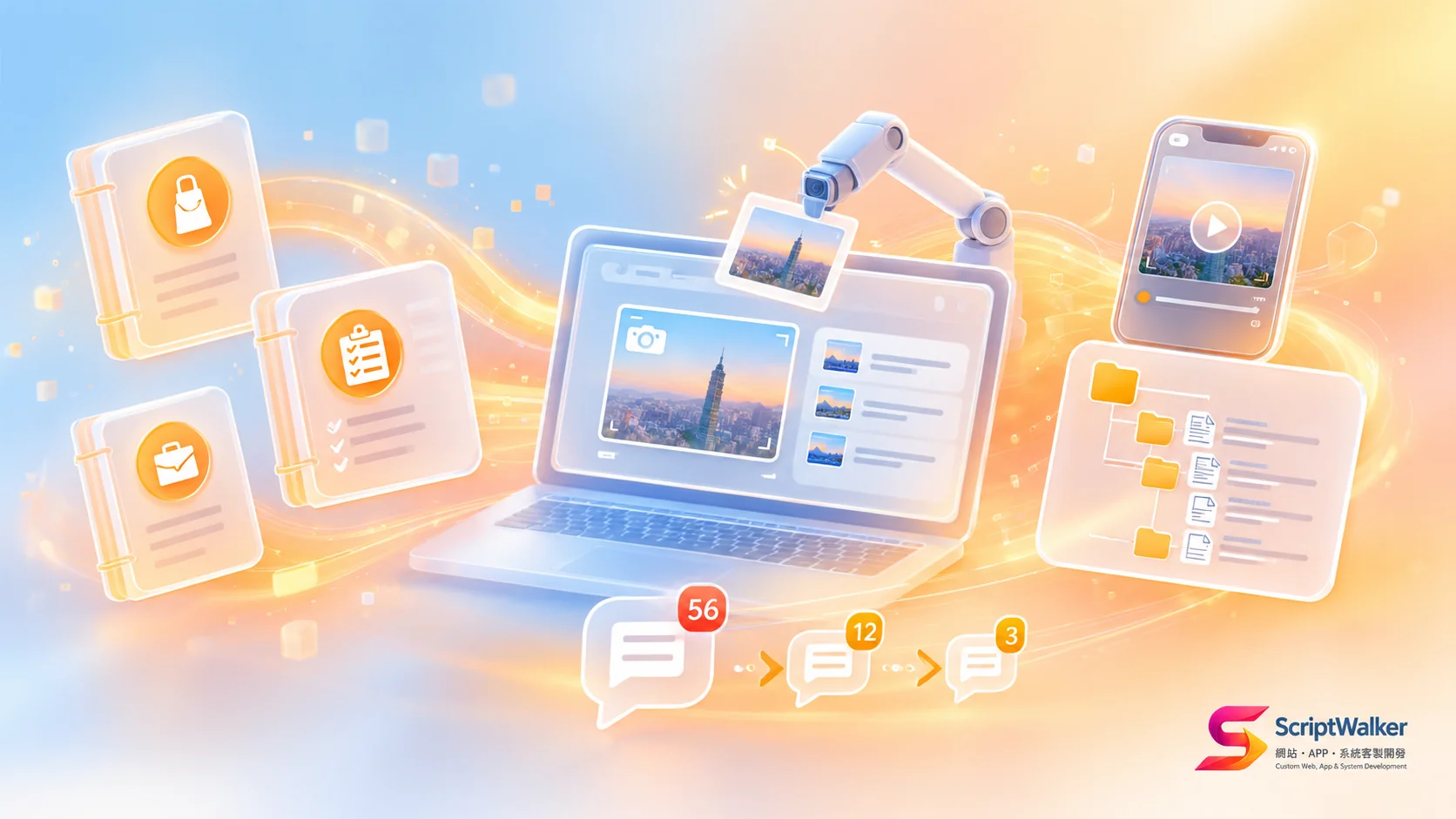
Direct answer: We write user manuals by role: one manual of 10 pages or fewer per role, a 3-minute video for each common workflow, and screenshots retaken automatically by script. Since adopting this, how-to questions in the first month after launch fell from about 40 to around 12.
The problem: an 80-page feature manual, then 40 questions in LINE
Without a good manual, support costs shift from engineers to the client's managers. Early on, we delivered a store ordering system with an 80-page PDF that followed the menu structure. In the first month the client's LINE group received 41 "where do I click" questions; store managers said the manual was too long to find the page they needed. Two weeks later a release made half the screenshots obsolete.
What we do: manuals by role, with screenshots updated alongside the code
In one sentence: the manual answers "who am I and what do I need to finish today," not "what does this button do." The flow:
Role list → top 10 tasks per role → Playwright script takes screenshots → write in Markdown → record 3-minute videos → two real users test-read → publish with launch → every question feeds back into the manual
Why we do it this way: users look for tasks, not features
The design trades completeness for findability.
- Split by role: store staff read six pages and never wade through report settings only managers use.
- Ordered by task: headings say "How to process a return," not "Order management module." This matches the Nielsen Norman Group usability heuristic that help should focus on the user's task and list concrete steps.
- Automatic screenshots: manual screenshots are the main reason manuals go stale; each release can mean retaking dozens.
- Short videos: most store and field staff watch on phones, and under three minutes is what they finish.
| Item | Traditional feature manual | Our role-based manual |
|---|---|---|
| Organized by | Menu order | Each role's daily tasks |
| Length | 60–100 pages in one file | 10 pages or fewer per role |
| Screenshot updates | Retaken by hand, often stale | Retaken by script in 1–3 hours |
| Video | None, or a 20-minute recording | One 3-minute video per frequent workflow |
How we execute: manuals live in docs/manual, screenshots come from a script
Manuals sit in the same Git repository as the code, so when code changes, the manual must change too.
- Step 1, roles and tasks: during requirements we list roles and each role's top 10 tasks in Notion.
- Step 2, automatic screenshots: a script using Playwright screenshots logs into staging as each role with fake data, captures each step and masks sensitive fields.
- Step 3, writing: Markdown, built with VitePress into a searchable manual site that can also export to PDF.
- Step 4, video: screen recording in OBS, editing in CapCut, one task per video.
- Step 5, publishing: the manual site is login-protected and a "Help" link in the system's top-right corner jumps to the section for the current screen.
Sample directory structure:
docs/manual/
├── store-staff/        # store staff: 6 pages
│   ├── 01-login.md
│   ├── 02-create-order.md
│   └── 03-handle-return.md
├── store-manager/      # store managers: 9 pages
├── hq-admin/           # head office: 10 pages
└── screenshots.spec.ts # Playwright screenshot script
The cost of this approach: 3–5% more hours up front, and discipline
It is not free, and we are open about the costs.
- Hours: manuals and videos take about 3–5% of project hours, roughly 20–30 extra hours on a NT$500K system.
- Script maintenance: major layout changes mean updating the screenshot script, about 1–3 hours.
- Videos do not update themselves: big UI changes require re-recording, so we only film the top 5–8 frequent workflows.
- Client participation: without real users test-reading, manual quality drops.
Where it does not fit: fewer than five users, or a system that changes weekly
This approach is not worth it on every project.
- Small tools with one to three internal users: 30 minutes of in-person training beats writing a manual.
- MVPs still being tested with weekly UI changes: a simple FAQ page is enough for now.
- Clients with their own training system and material format: we supply screenshots and workflow material only.
Why clients should care: a good manual cuts hidden post-launch costs
Manual quality shows up in your staffing, timeline and maintenance bill.
- Staff time: managers stop answering the same questions daily, and new hires can look things up in week one.
- Timeline: the adjustment period after launch shrinks from 4–6 weeks to 2–3 weeks.
- Cost: many "the system has a bug" reports are actually usage questions; with clear manuals, pay-per-request maintenance tickets fall too.
If you want to do this too: four suggestions for other teams
You do not need everything at once; start with the most painful step.
- Ask the client "who uses it and what do they do every day" before deciding chapters.
- Use one screenshot per step with a red box around the click target.
- Put the screenshot script in CI, such as GitHub Actions, so every staging deploy retakes screenshots.
- For every client question, ask which manual page should have answered it; if none, add one.
Where we have used it: an ordering system for a 12-store chain
Anonymized case: a 12-store bakery chain adopted a store ordering and stocktake system with three roles: store staff, store managers and head-office purchasing. We delivered three manuals (6, 9 and 10 pages) and seven videos. First-month how-to questions numbered about 12, compared with about 40 in the same period for the previous system; from month two, most new store staff could place orders independently using the manual and videos.
Frequently Asked Questions
These are the questions readers ask most; the first sentence of each answer is the answer.
Should an outsourced system come with a user manual?
Yes, ideally split by role, 10 pages or fewer each, with short videos for common workflows.
How often should the manual be updated?
With every release; automated screenshots bring each update down to about 1–3 hours.
Is the manual charged separately?
At ScriptWalker it is included, about 3–5% of project hours; extensive custom video or multilingual versions are extra.
Is a PDF or a web manual better?
A web manual is better: it is searchable and screens can link to the matching section, with PDF export when needed.
Next step: see a full manual sample, or join us
ScriptWalker (a Taiwan-based Laravel/Flutter custom development studio) includes role-based manuals and short workflow videos with every system project. To see an anonymized manual sample, estimate the training cost of your current system, or if you are an engineer who cares about documentation and testing and want to join us, get in touch:
- Email: [email protected]
- Phone: 0916-224-047
- LINE: @ufv9089p